

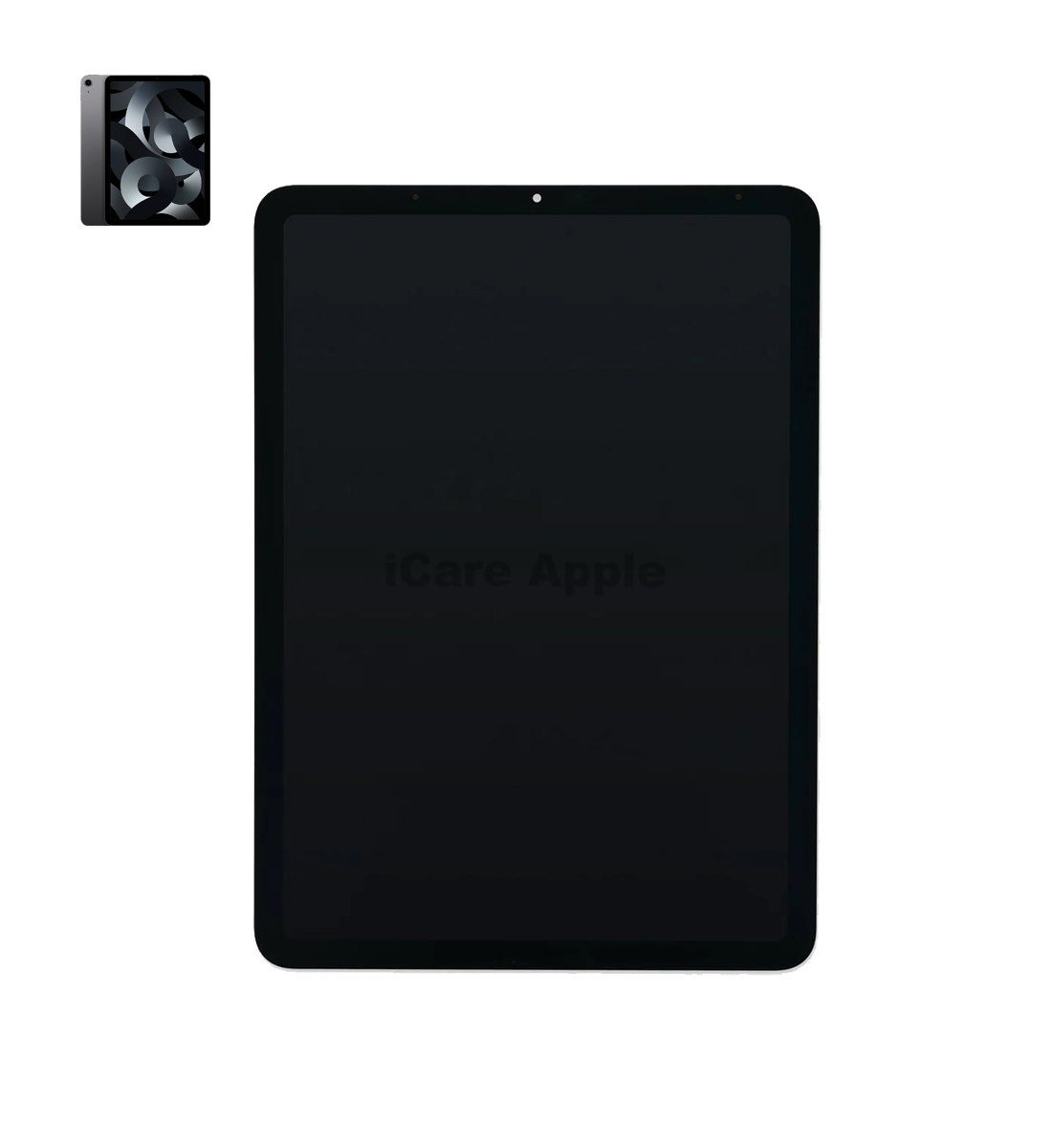
iPad Air 5th Gen 2022 Touch Screen
Touch Screen
- 1 Year - Replacement Guaranty
- 30 Days - Money back Guaranty
- Replacement Time - 1 Hour
- Service Charge Included
- 24/7 support
How to Identify When Your iPad 8th Gen 10.2” 2020 Touch Screen Replacement
Here are four signs that your iPad 8th Gen 10.2” 2020 Touch Screen may need replacement:
Unresponsive Touch Inputs
If your iPad screen doesn’t register touches or gestures properly, it’s a sign of hardware failure. This can severely affect usability and requires a screen replacement.
Visible Cracks or Damage
Cracks, even minor ones, can affect screen sensitivity and grow worse over time. Replacing it early prevents further complications.
Dead Zones on Screen
Areas of the screen not responding to touch usually indicate underlying damage. This often can’t be fixed without replacing the Touch Screen.
Flickering or Ghost Touches
If your screen flickers or behaves erratically without touch, it may have internal faults. A replacement ensures smooth, accurate performance.
Our iPad 8th Gen 10.2” 2020 Touch Screen Replacement Process
Diagnosis
We start with a thorough inspection to confirm the issue with the Touch Screen.
Client Approval
After diagnosis, we share the issue, cost, and timeline with the customer for approval.
Screen Replacement
Our skilled technicians replace the damaged screen using high-quality parts and tools.
Final Testing & Delivery
We run multiple tests to ensure proper touch response and display quality before handing it back.

Why Choose iCare Apple for iPad 8th Gen 10.2” 2020 Touch Screen Replacement
Choose iCare Apple for your iPad 8th Gen 10.2” 2020 Touch Screen replacement because we offer expert technicians, quality parts, and efficient service. Our team ensures a hassle-free experience with proper diagnostics and professional care. Trust us for reliable, affordable, and customer-focused solutions tailored to your iPad’s needs.
✌️Top Benefits of iPad 8th Gen 10.2” 2020 Touch Screen Replacement at iCare Apple
Certified Technicians
Our technicians are certified and highly skilled, ensure repairs for your iPad 8th Gen 10.2” 2020. We guarantee top-notch service for all Touch Screen replacements.
Original & High-Quality Parts
We use genuine Apple parts for iPad Touch Screen replacements, ensuring optimal performance, durability, and preserving your iPad's original quality for long-lasting results.
Quick and Efficient Service
At iCare Apple, we prioritize quick and efficient service, minimizing downtime. Our experienced team provides rapid, reliable Touch Screen repairs, so you can get back to using your iPad without delay.

Tips & Tricks
• Use a High-Quality Screen Protector
It protects against scratches, smudges, and minor impacts. A good protector reduces direct wear on the actual Touch Screen.
• Clean the Screen Regularly
Wipe it with a microfiber cloth to remove dirt and oil. Avoid using harsh chemicals that can damage the coating.
• Avoid Over-Tapping or Excessive Pressure
Use gentle touches rather than hard taps. Excess pressure can wear out touch sensitivity over time.
• Keep It Away from Liquids
Moisture can seep into the edges and harm screen responsiveness. Always use your iPad with dry hands in dry environments.
• Store It Safely When Not in Use
Use a padded case or sleeve to protect against accidental knocks. This reduces the chances of screen cracks or damage.
• Avoid Extreme Temperatures
Direct sunlight or cold environments can affect touch sensitivity. Always use your iPad in moderate conditions.
• Disable Unnecessary Touch Features
Turn off features like 3D Touch or Haptic Feedback if not in use. This can reduce unnecessary screen wear.
• Update iOS Regularly
Software updates often fix bugs related to touch responsiveness. Keeping your system updated ensures smooth functioning.
• Handle with Clean Hands
Dirt, sweat, or food particles can damage screen responsiveness. Always handle your device with clean, dry hands.
• Avoid Using Sharp or Foreign Objects on Screen
Only use your fingers or a compatible stylus. Sharp objects can cause scratches and degrade screen quality.
With proper care, your iPad’s Touch Screen can stay smooth, responsive, and long-lasting for years.
What Our Customers Are Saying About Our iPad 8th Gen 10.2” 2020 Touch Screen Replacement Service
Samiul Ahmed
The Touch Screen replacement on my iPad 8th Gen was smooth and hassle-free. iCare Apple delivered exactly what they promised.
Afrin Mehnaz
Super impressed with the quick service and display clarity after the replacement. My iPad feels brand new now.
Sumaiya Kabir
I had a cracked screen issue and they fixed it within a day. Great customer service and quality assurance.
Ishtiak Hasan
iCare Apple handled my device professionally and kept me updated throughout. The touch response is perfect after the repair.
Your Trust is Our Strength
Why Timely iPad Touch Screen Replacement is Essential
Timely iPad 8th Gen 10.2” 2020 Touch Screen replacement prevents further internal damage and ensures uninterrupted use. A damaged screen can affect touch accuracy, visibility, and even compromise device safety. Replacing it early helps maintain performance and protects other components from long-term issues. Don’t delay—act before it worsens.
Visit iCare Apple in Dhaka for Professional iPad Repairs
Located at the heart of Dhaka, iCare Apple offers top-notch repair services for all iPad models. Our team is committed to providing quality repairs, and we stand by our work. So, if your iPad 8th Gen 10.2” 2020 needs a Touch Screen replacement, visit iCare Apple and experience professional service from trusted experts.
Ensure the longevity and performance of your iPad 8th Gen 10.2” 2020 by opting for quality Touch Screen replacement services at iCare Apple.
FAQ
1. How long does the replacement take?
The process usually takes few hours depending on part availability.
2. Is original quality glass used?
Yes, we use premium quality parts for optimal performance.
3. How much does the replacement cost?
Please contact us for an accurate cost estimate, as prices vary based on parts and labor.
4. Can you fix both touch and display if needed?
Absolutely, we can replace both if required.
5. Will the new screen work like the original?
Yes, we ensure smooth and responsive touch functionality.
6. Can you fix ghost touch problems?
Yes, a replacement often resolves ghost touch issues.
7. Can water damage affect the Touch Screen?
Yes, water exposure can damage the screen and touch sensitivity.
8. Is the screen glued or clipped in?
The screen is sealed using strong adhesive, just like the original.