
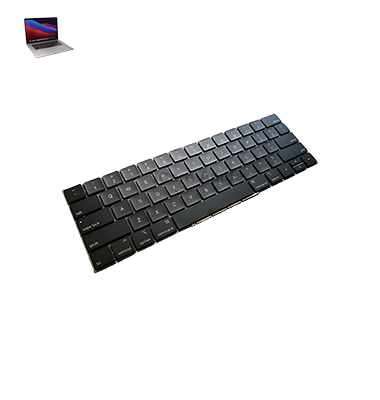
MacBook Pro (2019) A1990 Keyboard
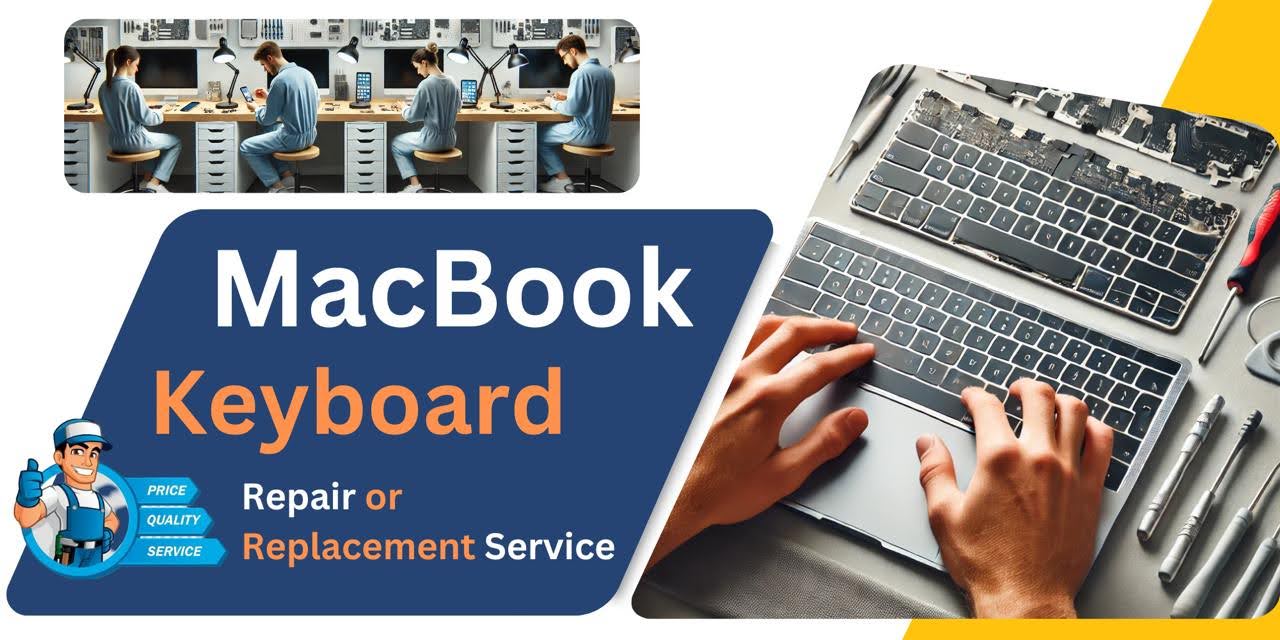
At iCare Apple, we offer professional MacBook Pro (2019) A1990 Keyboard replacement services in Bangladesh. Our skilled technicians ensure high-quality repairs using genuine parts to restore your device’s functionality. Trust us for reliable, efficient, and fast service to get your MacBook working like new again.
How to Identify When Your MacBook Pro (2019) A1990 Keyboard Needs Replacement
Here are four signs that your MacBook Pro (2019) A1990 Keyboard may need replacement:
Unresponsive Keys:
Some or all keys stop working or don’t register presses.
Sticky or Jammed Keys:
Keys get stuck or feel uneven when pressed.
Double Typing:
Keys type multiple characters with a single press.
Erratic Behavior:
Keys input incorrect characters or randomly stop responding.
Our MacBook Pro (2019) A1990 Keyboard Replacement Process
1. Diagnosis:
We perform a thorough assessment to identify Keyboard issues.
2. Parts Sourcing:
We source genuine replacement parts to ensure high-quality repairs.
3. Replacement:
Our skilled technicians carefully remove the faulty Keyboard and install the new one with precision.
4. Testing:
After the replacement, we test the Keyboard thoroughly to ensure all keys function properly and your MacBook is fully operational.

Choose iCare Apple for your MacBook Pro (2019) A1990 Keyboard replacement for reliable, expert service. Our skilled technicians use genuine parts to ensure optimal performance and longevity. We prioritize fast, efficient repairs and customer satisfaction, offering a trustworthy solution for all your MacBook needs in Bangladesh.
✌️Top Benefits of MacBook Pro (2019) A1990 Keyboard Replacement at iCare Apple
Certified Technicians
Our technicians are certified and highly skilled, ensure repairs for your MacBook Pro (2019) A1990. We guarantee top-notch service for all Keyboard replacements.
Original & High-Quality Parts
We use genuine Apple parts for MacBook Keyboard replacements, ensuring optimal performance, durability, and preserving your MacBook's original quality for long-lasting results.
Quick and Efficient Service
At iCare Apple, we prioritize quick and efficient service, minimizing downtime. Our experienced team provides rapid, reliable Keyboard repairs, so you can get back to using your MacBook without delay.

Tips & Tricks for MacBook Pro (2019) A1990 Keyboard
👍 Regular Cleaning:
Keep your MacBook Pro (2019) A1990 Keyboard clean by regularly removing dust, crumbs, and debris. Use compressed air or a soft brush to gently clean the keys and Keyboard surface to prevent buildup and maintain performance.
👍 Use Keyboard Shortcuts:
Take advantage of Keyboard shortcuts to streamline your workflow and increase productivity on your MacBook Pro (2019) A1990. Learn commonly used shortcuts for tasks such as copy, paste, undo, and navigation to work more efficiently.
👍 Adjust Keyboard Settings:
Customize Keyboard settings in System Preferences to suit your typing preferences and needs. Adjust key repeat rate, Keyboard backlight brightness, and input sources to optimize your typing experience on the MacBook Pro (2019) A1990.
👍 Enable Key Repeat:
Adjust the key repeat settings in System Preferences to enable key repeat functionality on your MacBook Pro (2019) A1990. This allows you to quickly input repeated characters by holding down a key, making typing tasks more efficient.
👍 Learn Touch Bar Functions:
If your MacBook Pro (2019) A1990 is equipped with a Touch Bar, familiarize yourself with its functions and capabilities. Customize the Touch Bar with shortcuts and controls for your most frequently used applications to enhance productivity.
👍 Practice Touch Typing:
Improve your typing speed and accuracy by practicing touch typing techniques on the MacBook Pro (2019) A1990 Keyboard . Focus on using the correct finger placement and maintaining a consistent typing rhythm to become more proficient.
👍 Utilize Emoji and Special Characters:
Access a wide range of emoji and special characters on your MacBook Pro (2019) A1990 Keyboard using the built-in Character Viewer or emoji Keyboard shortcut. Easily insert symbols, accents, and emoticons into your documents and messages.
👍 Enable Keyboard Accessibility Features:
Explore accessibility features in System Preferences to customize Keyboard behavior and enhance accessibility on your MacBook Pro (2019) A1990. Enable features such as Sticky Keys, Slow Keys, and Key Repeat to accommodate users with mobility or dexterity impairments.
👍 Avoid Eating and Drinking Near the Keyboard :
To prevent spills and crumbs from damaging the Keyboard of your MacBook Pro (2019) A1990, avoid eating and drinking while using the laptop. Keep food and beverages away from the Keyboard to minimize the risk of liquid damage and debris buildup.
👍 Seek Professional Assistance:
If you encounter persistent issues or malfunctions with the Keyboard of your MacBook Pro (2019) A1990, seek assistance from an authorized Apple service provider or technician. They can diagnose and resolve hardware or software-related Keyboard problems to ensure optimal performance.
What Our Customers Are Saying About Our MacBook Pro (2019) A1990 Keyboard Replacement Service
Rifat Ahmed
The Keyboard replacement was quick and efficient. My MacBook is working perfectly again!
Rafis Khan
Excellent service and professional technicians. My MacBook Pro is as good as new.
Rayan Farid
The team at iCare Apple handled my Keyboard replacement flawlessly. Highly recommend their service!
Amjir Hossain
Very impressed with the fast repair and genuine parts. The Keyboard feels great now!
Your Trust is Our Strength
Why Timely MacBook Keyboard Replacement is Essential
Timely MacBook Pro (2019) A1990 Keyboard replacement is essential to maintain productivity and prevent further damage. Ignoring issues like unresponsive or sticky keys can lead to more complex problems, affecting performance and user experience. Early replacement ensures your device remains functional, saving time and costly repairs in the future.
Visit iCare Apple in Dhaka for Professional MacBook Repairs
Located at the heart of Dhaka, iCare Apple offers top-notch repair services for all Macbook models. Our team is committed to providing quality repairs, and we stand by our work. So, if your MacBook Pro (2019) A1990
needs a Keyboard replacement, visit iCare Apple and experience professional service from trusted experts.
Ensure the longevity and performance of your MacBook Pro (2019) A1990
by opting for quality Keyboard replacement services at iCare Apple.
FAQ
1. How long does the Keyboard replacement take?
It typically takes a few hours, depending on the issue and availability of parts.
2. Do I need an appointment for the replacement?
While not required, we recommend scheduling an appointment for faster service.
3. Is the replacement done with original parts?
Yes, we use genuine parts for all MacBook Pro Keyboard replacements.
4. How much does the Keyboard replacement cost?
The cost varies; please contact us for a detailed quote based on the issue.
5. Will my data be affected during the replacement?
No, the replacement process doesn’t affect your data.
6. Is there any warranty on the replacement?
Yes, we offer a warranty on the replacement parts and service.
7. Can I replace the Keyboard myself?
We recommend professional service to ensure proper installation and avoid damage.
8. How do I know if my Keyboard needs replacement?
Signs like unresponsive, sticky, or double-typing keys indicate the need for replacement.