
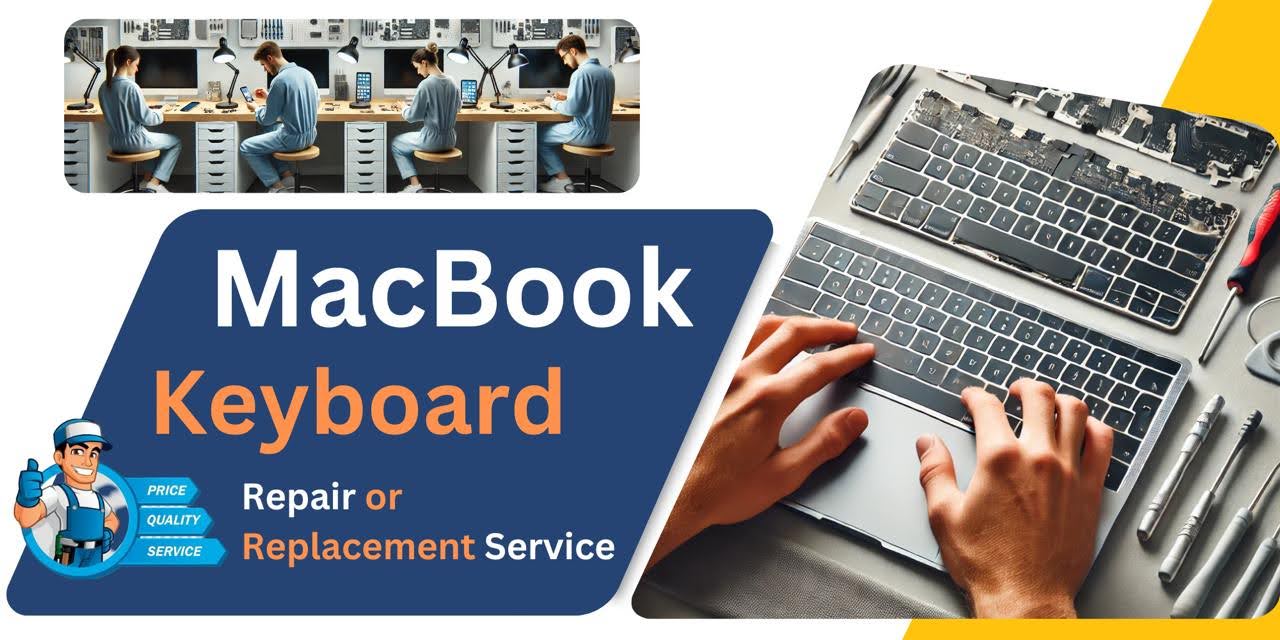
MacBook Pro M1 (2021) A2442 Keyboard
We provide professional MacBook Pro M1 (2021) A2442 Keyboard replacement service in Bangladesh. If your keyboard is unresponsive, has stuck keys, or is damaged, visit iCare Apple for a quick and reliable solution. Our expert technicians ensure high-quality service with precision and care for a seamless typing experience.

How to Identify When Your MacBook Pro M1 (2021) A2442 Keyboard Needs Replacement
Here are four signs that your MacBook Pro M1 (2021) A2442 Keyboard
may need replacement:
Keys not responding
If certain keys stop working or require multiple presses, your keyboard may need replacement.
Sticky or stuck keys
Keys that feel sticky, jammed, or don’t return to position indicate wear or damage.
Unusual typing issues
Random characters appearing or frequent typing errors suggest a faulty keyboard.
Backlight or connection problems
Dim, flickering backlight or inconsistent connectivity may signal internal damage.
Our MacBook Pro M1 (2021) A2442 Keyboard Replacement Process
1. Diagnosis
We inspect your MacBook’s keyboard issues and confirm if a replacement is necessary.
2. Genuine Keyboard Installation
Our skilled technicians carefully replace the faulty keyboard with a high-quality one.
3. Testing & Quality Check
We thoroughly test the new keyboard for responsiveness and smooth functionality.
4. Final Delivery
After ensuring everything works perfectly, we hand over your MacBook, ready for seamless use.

Why Choose iCare Apple for MacBook Pro M1 (2021) A2442 Keyboard
Replacement 
iCare Apple offers expert MacBook Pro M1 (2021) A2442 Keyboard replacement with high-quality parts and skilled technicians. We ensure fast service, affordable pricing, and a hassle-free experience. Trust us for precise installation, warranty support, and reliable after-service, making your MacBook’s keyboard function like new again.
✌️Top Benefits of MacBook Pro M1 (2021) A2442 Keyboard Replacement at iCare Apple
Certified Technicians
Our technicians are certified and highly skilled, ensure repairs for your MacBook Pro M1 (2021) A2442 Keyboard. We guarantee top-notch service for all Keyboard replacements.
Original & High-Quality Parts
We use genuine Apple parts for MacBook Keyboard replacements, ensuring optimal performance, durability, and preserving your MacBook's original quality for long-lasting results.
Quick and Efficient Service
At iCare Apple, we prioritize quick and efficient service, minimizing downtime. Our experienced team provides rapid, reliable Keyboard repairs, so you can get back to using your MacBook without delay.

Tips & Tricks for MacBook Pro M1 (2021) A2442 Keyboard
👍 Regular Cleaning:
Keep your MacBook Pro A2442 Keyboard clean by regularly removing dust, crumbs, and debris that may accumulate between the keys. Use compressed air or a soft brush to gently clean the Keyboard, and consider using a Keyboard cover for added protection against spills and debris.
👍 Use Keyboard Shortcuts:
Take advantage of Keyboard shortcuts to streamline your workflow and improve productivity on your MacBook Pro A2442. Learn common shortcuts for tasks such as copy, paste, undo, and navigating between applications to save time and reduce reliance on the mouse or trackpad.
👍 Adjust Keyboard Backlighting:
Customize the Keyboard backlighting settings on your MacBook Pro A2442 to optimize visibility and conserve battery life. Adjust the brightness level or enable automatic brightness adjustment based on ambient light conditions to enhance typing comfort in various environments.
👍 Enable Key Repeat:
Adjust the key repeat settings on your MacBook Pro A2442 to control the rate at which characters are repeated when holding down a key. Customize the key repeat delay and speed in System Preferences to suit your typing preferences and improve efficiency.
👍 Utilize Touch Bar (if applicable):
If your MacBook Pro A2442 is equipped with the Touch Bar, explore its functionality and customize it to access frequently used commands, shortcuts, and controls. Use the Touch Bar to streamline tasks such as adjusting volume, brightness, and media playback, or customize it with app-specific functions for enhanced productivity.
👍 Enable Accessibility Features:
Explore accessibility features in macOS to customize Keyboard behavior and assistive technologies according to your needs. Enable features such as Sticky Keys, Slow Keys, and Keyboard Navigation to improve accessibility and usability for users with physical or cognitive disabilities.
👍 Practice Touch Typing:
Improve your typing speed and accuracy by practicing touch typing techniques on the MacBook Pro A2442 Keyboard. Learn proper finger placement, hand positioning, and typing ergonomics to increase efficiency and reduce strain during extended typing sessions.
👍 Customize Function Keys:
Customize the behavior of function keys on your MacBook Pro A2442 to assign specific functions or shortcuts to individual keys. Use System Preferences to remap function keys or create custom Keyboard shortcuts for launching applications, controlling media playback, or performing other tasks.
👍 Use Keyboard Covers:
Consider using a Keyboard cover or silicone skin to protect your MacBook Pro A2442 Keyboard from spills, dust, and debris. Keyboard covers provide an additional layer of protection while preserving the tactile feel and responsiveness of the keys.
👍 Enable Key Feedback:
Adjust the Keyboard feedback settings on your MacBook Pro A2442 to enhance typing comfort and responsiveness. Customize the key press sound or haptic feedback intensity in System Preferences to suit your preferences and typing style.
By incorporating these tips and tricks into your daily usage of the MacBook Pro 2021 – A2442 Keyboard, you can optimize typing comfort, efficiency, and longevity while maximizing productivity and usability.
What Our Customers Are Saying About Our MacBook Pro M1 (2021) A2442 Keyboard Replacement Service
MD. Abid Hasan
The keyboard replacement service at iCare Apple was quick and efficient. My MacBook Pro M1 (2021) A2442 now works perfectly without any typing issues.
Sumon Das Gupto
Excellent service and professional staff. My MacBook’s keyboard was replaced smoothly, and now it feels like brand new.
Arnab islam Shanto
iCare Apple provided a hassle-free keyboard replacement for my MacBook Pro A2442. The new keyboard is responsive and works flawlessly.
Md. Mamun Khan
Very satisfied with the service at iCare Apple. The team replaced my faulty keyboard with precision, and now my typing experience is smooth.
Your Trust is Our Strength
Why Timely MacBook Keyboard Replacement is Essential
Timely MacBook Pro M1 (2021) A2442 Keyboard replacement is essential to maintain smooth functionality and prevent further damage. A faulty keyboard can disrupt work, cause typing errors, and lead to internal issues. Replacing it on time ensures better performance, enhances productivity, and extends the overall lifespan of your device.
Visit iCare Apple in Dhaka for Professional MacBook Repairs
Located at the heart of Dhaka, iCare Apple offers top-notch repair services for all Macbook models. Our team is committed to providing quality repairs, and we stand by our work. So, if your MacBook Pro M1 (2021) A2442 needs a Keyboard replacement, visit iCare Apple and experience professional service from trusted experts.
Ensure the longevity and performance of your MacBook Pro M1 (2021) A2442 by opting for quality Keyboard replacement services at iCare Apple.
FAQ
1. When should I replace my MacBook Pro M1 (2021) A2442 Keyboard?
If keys are unresponsive, stuck, or typing incorrectly, it’s time for a replacement.
2. How long does it take to replace the keyboard at iCare Apple?
We usually complete the replacement within a few hours.
3. Do you use original keyboards for replacement?
Yes, we use high-quality original or premium-grade replacement keyboards.
4. Will my data be safe during the replacement?
Yes, we ensure data safety, but a backup is always recommended.
5. How much does the keyboard replacement cost?
The cost varies; contact us for the latest pricing.
6. Do you offer a warranty on the replacement keyboard?
Yes, we provide a limited warranty on our replacement service.
7. Can I get same-day service for keyboard replacement?
Yes, in most cases, we offer same-day service.
8. Where is iCare Apple located in Dhaka, Bangladesh?
We are at 68/69 Concept Tower, 3rd Floor, Green Road, Dhaka-1205.