
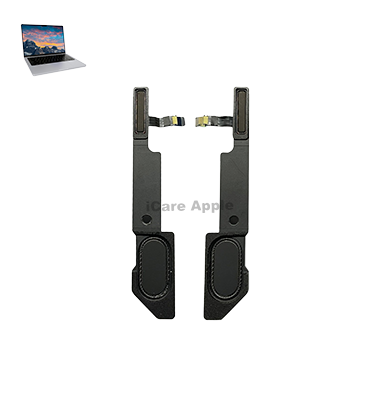
MacBook Pro M1 (2021) A2442 Speaker
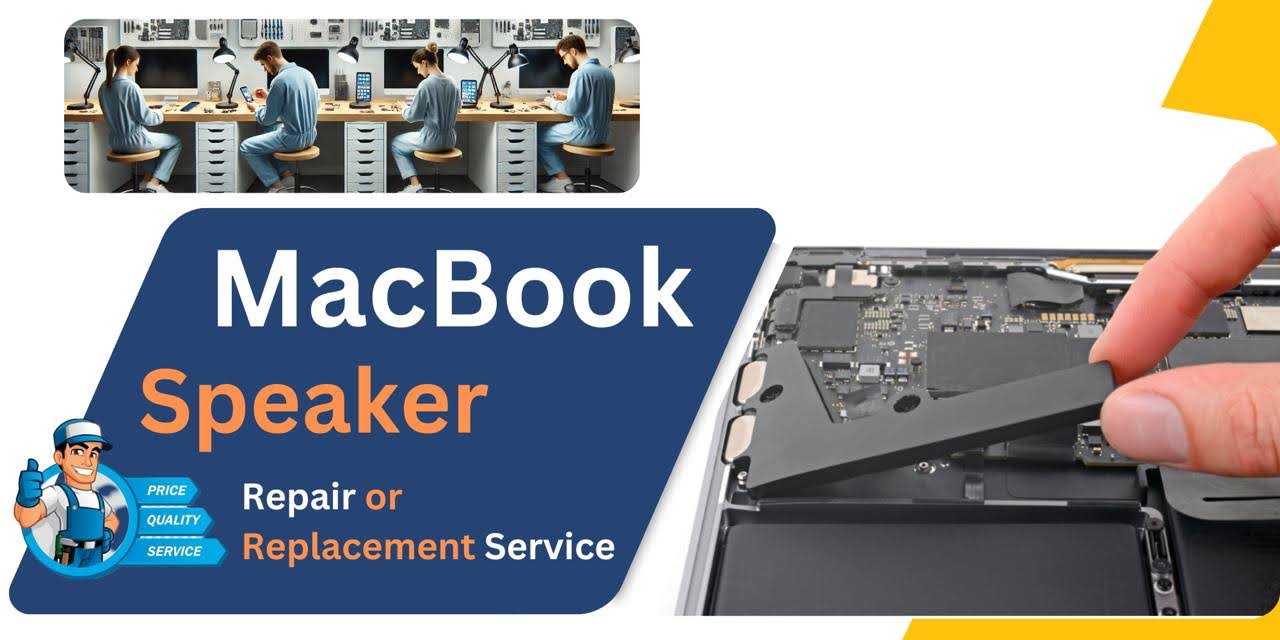
At iCare Apple, we offer expert MacBook Pro M1 (2021) A2442 Speaker replacement services in Bangladesh. Our skilled technicians ensure your device’s sound quality is restored to optimal levels. Visit us for reliable, fast, and professional service, providing peace of mind and top-notch results.
How to Identify When Your MacBook Pro M1 (2021) A2442 Speaker Needs Replacement
Here are four signs that your MacBook Pro M1 (2021) A2442 Speaker may need replacement:
Distorted Sound:
If the sound is unclear or crackling, it may indicate Speaker damage.
No Sound:
If there’s no audio output even after checking settings, the Speaker might be faulty.
Low Volume:
If the volume is unusually low despite setting adjustments, a Speaker issue could be the cause.
Unresponsive Speaker:
If tapping or pressure causes inconsistent sound, the Speaker might need replacing.
Our MacBook Pro M1 (2021) A2442 Speaker Replacement Process
1. Diagnosis:
Our technicians perform a thorough inspection to identify Speaker issues.
2. Disassembly:
We carefully open your MacBook Pro, ensuring no internal damage during the process.
3. Speaker Replacement:
The faulty Speaker is replaced with a high-quality, compatible part.
4. Testing & Quality Check:
After replacement, we test the Speaker to ensure optimal sound quality and functionality before returning your device.

Why Choose iCare Apple for MacBook Pro M1 (2021) A2442 Speaker Replacement 
Choose iCare Apple for MacBook Pro M1 (2021) A2442 Speaker replacement for expert service, quick turnaround, and high-quality parts. Our experienced technicians ensure precise repairs, restoring your device’s sound performance. Trust us for reliable, professional service and exceptional customer care in Bangladesh.
✌️Top Benefits of MacBook Pro M1 (2021) A2442 Speaker Replacement at iCare Apple
Certified Technicians
Our technicians are certified and highly skilled, ensure repairs for your MacBook Pro M1 (2021) A2442. We guarantee top-notch service for all Speaker replacements.
Original & High-Quality Parts
We use genuine Apple parts for MacBook Speaker replacements, ensuring optimal performance, durability, and preserving your MacBook's original quality for long-lasting results.
Quick and Efficient Service
At iCare Apple, we prioritize quick and efficient service, minimizing downtime. Our experienced team provides rapid, reliable Speaker repairs, so you can get back to using your MacBook without delay.

Tips & Tricks for MacBook Pro M1 (2021) A2442 Speaker
👍 Update macOS:
Ensure that your MacBook Pro A2442 is running the latest version of macOS to benefit from performance improvements and bug fixes that may address speaker-related issues.
👍 Adjust Sound Settings:
Customize sound settings in System Preferences to optimize audio output from the MacBook Pro A2442 speakers. Adjust settings such as volume, balance, and equalizer presets to suit your preferences and listening environment.
👍 Use Equalizer Settings:
Explore built-in equalizer settings or third-party audio enhancement software to adjust the sound profile of the MacBook Pro A2442 speakers. Customize equalizer settings to enhance bass, treble, or mid-range frequencies for a more balanced and immersive listening experience.
👍 Avoid Blocking Speaker Grilles:
Ensure that the speaker grilles on the MacBook Pro 2021 – A2442 are not obstructed by objects, such as papers, cables, or hands, as this can affect sound quality and volume output.
👍 Position MacBook Pro Correctly:
Position the MacBook Pro A2442 on a stable surface and avoid covering or blocking the speaker openings to allow for optimal sound projection and clarity.
👍 Avoid Overloading Speakers:
Avoid playing audio at excessively high volume levels for extended periods to prevent speaker overload and distortion. Maintain a comfortable listening volume to preserve speaker integrity and prevent potential damage.
👍 Use External Speakers or Headphones:
Consider using external speakers or headphones for enhanced audio quality and volume output when the built-in speakers of the MacBook Pro A2442 are insufficient for your needs.
👍 Update Audio Drivers:
Check for updates to audio drivers or firmware for the MacBook Pro A2442 to ensure compatibility and stability with the latest macOS updates and applications.
👍 Optimize Audio Source:
Use high-quality audio sources and files to maximize sound quality and fidelity when playing music, videos, or other multimedia content on the MacBook Pro A2442 speakers.
👍 Avoid Extreme Temperatures:
Avoid exposing the MacBook Pro 2021 – A2442 to extreme temperatures or environmental conditions, as prolonged exposure to heat, cold, or humidity can affect speaker performance and longevity.
By following these tips and tricks, you can optimize the performance, sound quality, and longevity of the speakers on your MacBook Pro 2021 – A2442, ensuring an enjoyable and immersive audio experience for various tasks and activities.
What Our Customers Are Saying About Our MacBook Pro M1 (2021) A2442 Speaker Replacement Service
MD. Rajib
The Speaker replacement process was quick and efficient. My MacBook Pro sounds as good as new!
Sumon Das Gupto
Excellent service from iCare Apple! They fixed my MacBook Pro M1 Speaker in no time.
Forhad Hossain
Very professional service and the sound quality is perfect after the replacement. Highly recommend iCare Apple!
MD. Shofiq
iCare Apple delivered great service with a seamless Speaker replacement process. My MacBook Pro is like new again!
Your Trust is Our Strength
Why Timely MacBook Speaker Replacement is Essential
Timely replacement of your MacBook Pro M1 (2021) A2442 Speaker is essential to restore optimal sound quality and prevent further damage. Delaying repairs can lead to issues like distorted audio or complete Speaker failure, impacting your overall experience. Act quickly to ensure your device’s longevity and performance.
Visit iCare Apple in Dhaka for Professional MacBook Repairs
Located at the heart of Dhaka, iCare Apple offers top-notch repair services for all Macbook models. Our team is committed to providing quality repairs, and we stand by our work. So, if your MacBook Pro M1 (2021) A2442 needs a Speaker replacement, visit iCare Apple and experience professional service from trusted experts.
Ensure the longevity and performance of your MacBook Pro M1 (2021) A2442 by opting for quality Speaker replacement services at iCare Apple.
FAQ
1. How long does the MacBook Pro M1 Speaker replacement take?
It usually takes 1-2 hours for the Speaker replacement process.
2. Do you use original parts for the Speaker replacement?
Yes, we use high-quality compatible parts for the Speaker replacement.
3. What is the cost of the Speaker replacement?
The cost varies based on the issue, and we offer competitive pricing; please contact us for a quote.
4. Can I get my MacBook Pro Speaker replaced without losing data?
Yes, the replacement process doesn’t affect your data.
5. How will I know if my Speaker needs replacement?
If the sound is distorted, low, or not working, it may need a replacement.
6. Do I need to book an appointment for the replacement?
While appointments are recommended, walk-ins are also welcome at iCare Apple.
7. Is there any warranty on the Speaker replacement?
Yes, we offer a limited warranty on the Speaker replacement.
8. Can I wait while my MacBook Pro Speaker is being replaced?
Yes, the replacement process is quick, and you can wait in our comfortable service area.