

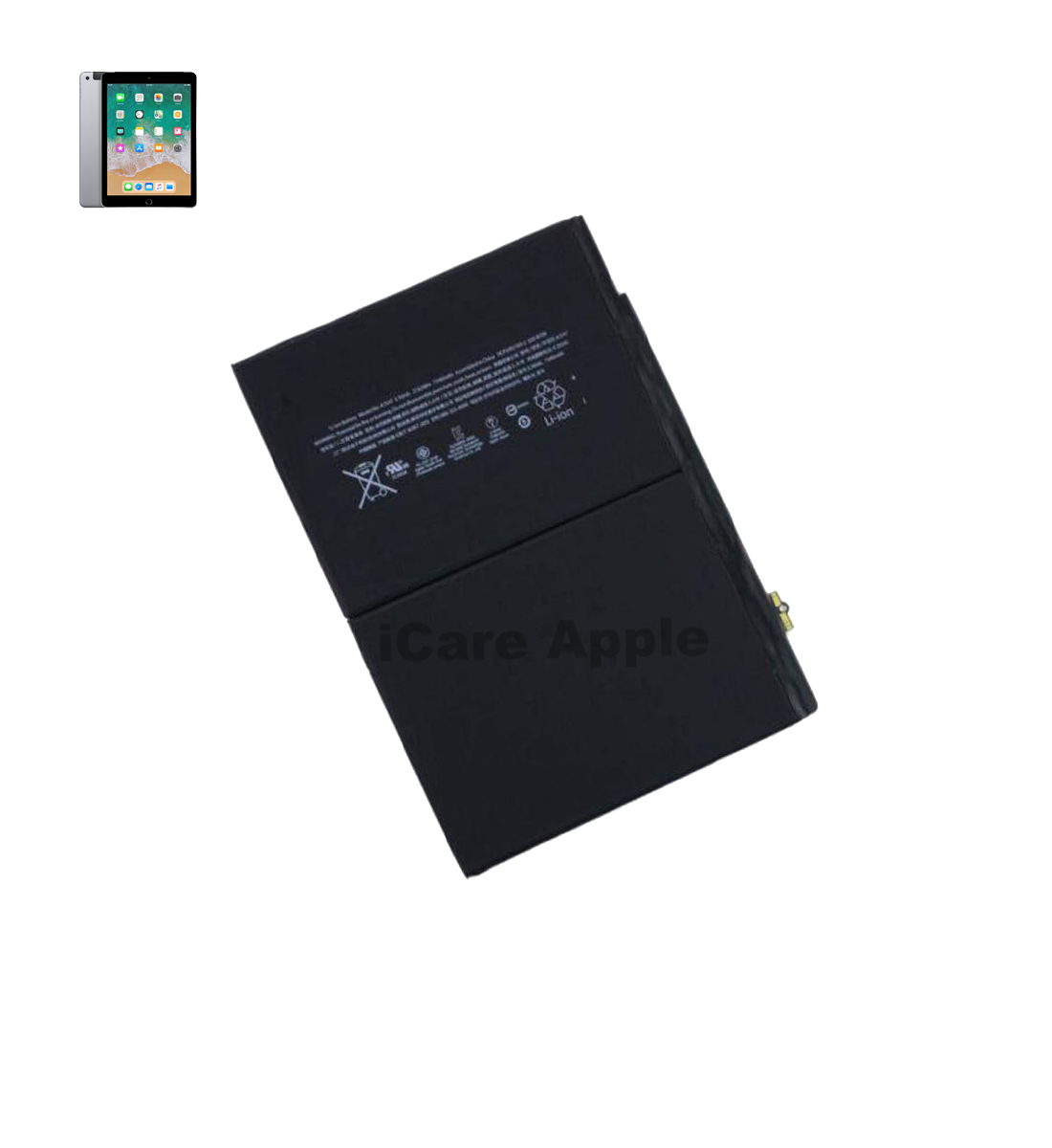
iPad 8th Gen 10.2” 2020 Battery
At iCare Apple, we offer reliable Battery replacement service for the iPad 8th Gen 10.2” 2020 in Bangladesh. Our expert team ensures safe and efficient replacements using quality parts. If your Battery drains fast or fails to hold charge, visit us for a swift and professional solution you can trust.
Battery
- 1 Year - Replacement Guaranty
- 30 Days - Money back Guaranty
- Replacement Time - 1 Hour
- Service Charge Included
- 24/7 support
How to Identify When Your iPad 8th Gen 10.2” 2020 BatteryNeeds Replacement
Here are four signs that your iPad 8th Gen 10.2” 2020 Battery may need replacement:
Rapid Battery Drain:
If your iPad loses charge quickly even with minimal use, it’s a clear sign the Battery is degrading and may need replacement soon.
Slow or No Charging:
When your iPad takes unusually long to charge or doesn’t charge at all, the Battery could be failing internally.
Unexpected Shutdowns:
Frequent shutdowns even at high Battery percentage often indicate a faulty Battery that can no longer hold consistent power.
Overheating Issues:
If your iPad gets excessively hot during regular use or charging, it may be due to a deteriorating Battery needing immediate attention.

Our iPad 8th Gen 10.2” 2020 Battery Replacement Process
Diagnosis
We begin with a thorough check to confirm Battery issues and assess overall device health.
Customer Approval
Once diagnosed, we inform you of the cost and get your approval before starting.
Battery Replacement
Our skilled technicians carefully replace the old Battery with a high-quality one.
Final Testing
We run a series of tests to ensure the new Battery performs efficiently before handing it over.

Choose iCare Apple for iPad 8th Gen 10.2” 2020 Battery replacement because we offer expert diagnostics, premium quality parts, and skilled technicians. With a commitment to fast turnaround times and customer satisfaction, we ensure your iPad gets back to peak performance with reliable Battery replacement service you can trust.
✌️Top Benefits of iPad 8th Gen 10.2” 2020 Battery Replacement at iCare Apple
Certified Technicians
Our technicians are certified and highly skilled, ensure repairs for your iPad 8th Gen 10.2” 2020. We guarantee top-notch service for all Battery replacements.
Original & High-Quality Parts
We use genuine Apple parts for iPad Battery replacements, ensuring optimal performance, durability, and preserving your iPad's original quality for long-lasting results.
Quick and Efficient Service
At iCare Apple, we prioritize quick and efficient service, minimizing downtime. Our experienced team provides rapid, reliable Battery repairs, so you can get back to using your iPad without delay.

Tips & Tricks
• Avoid extreme temperatures
Keep your iPad away from heat or freezing cold, as both can degrade Battery health quickly.
• Use original charger
Always charge with Apple-certified or original chargers to prevent Battery strain or damage.
• Don’t let Battery drain to 0%
Try to keep the Battery between 20% to 80% for better long-term performance.
• Avoid overcharging overnight
Unplug the device once it reaches 100% to reduce stress on the Battery.
• Enable Low Power Mode when needed
Use Low Power Mode during long usage periods to reduce Battery consumption.
• Turn off unused features
Disable Bluetooth, Wi-Fi, or Location Services when not in use to preserve Battery.
• Update iPadOS regularly
Software updates often include Battery optimization improvements from Apple.
• Lower screen brightness
Reducing brightness and using auto-brightness can significantly reduce Battery drain.
• Use Airplane Mode in weak signal areas
This stops the device from overworking to find a signal, saving Battery.
• Limit background app refresh
Turn off background app refresh for non-essential apps to conserve power.
Smart usage habits and proper charging practices can significantly extend your iPad Battery’s lifespan.
What Our Customers Are Saying About Our iPad 8th Gen 10.2” 2020 Battery Replacement Service
Nadim Hasan
The technicians explained everything clearly. The Battery replacement process was fast and efficient.
Sabbir Hossain
Excellent customer service and timely replacement. My iPad's Battery life feels brand new.
Noor Nahar
Impressed with how quickly iCare Apple replaced my iPad Battery. The service was reliable and professional.
Farhan Hossain
The Battery replacement was smooth and hassle-free. My iPad now holds charge like new again.
Your Trust is Our Strength
Why Timely iPad Battery Replacement is Essential
Timely iPad 8th Gen 10.2” 2020 Battery replacement ensures uninterrupted performance, prevents unexpected shutdowns, and protects internal components from power-related damage. Delaying Battery replacement can lead to swelling, overheating, or data loss. Replacing it early helps maintain optimal device health, user safety, and overall longevity of your iPad.
Visit iCare Apple in Dhaka for Professional iPad Repairs
Located at the heart of Dhaka, iCare Apple offers top-notch repair services for all iPad models. Our team is committed to providing quality repairs, and we stand by our work. So, if your iPad 8th Gen 10.2” 2020 needs a Battery replacement, visit iCare Apple and experience professional service from trusted experts.
Ensure the longevity and performance of your iPad 8th Gen 10.2” 2020 by opting for quality Battery replacement services at iCare Apple.
FAQ
1. How long does the iPad 8th Gen 10.2” Battery replacement take?
It usually takes a few hours for the replacement.
2. Do you use original parts for Battery replacements?
Yes, we use genuine, high-quality parts for all replacements.
3. How much will it cost to replace my iPad’s Battery?
The cost varies; contact us for an accurate estimate.
4. How long will the new Battery last after replacement?
A new Battery typically lasts 1-2 years, depending on usage.
5. Can you fix overheating problems with the Battery replacement?
Yes, if overheating is caused by a faulty Battery, it will be resolved with replacement.
6. Will replacing the Battery increase the overall iPad performance?
Yes, it restores the Battery life and enhances device performance.
7. How can I extend my iPad’s Battery life after replacement?
Avoid extreme temperatures, turn off unused features, and limit background apps for longer Battery life.
8. Is prior appointment required?
Not necessary, but appointments help avoid waiting.