
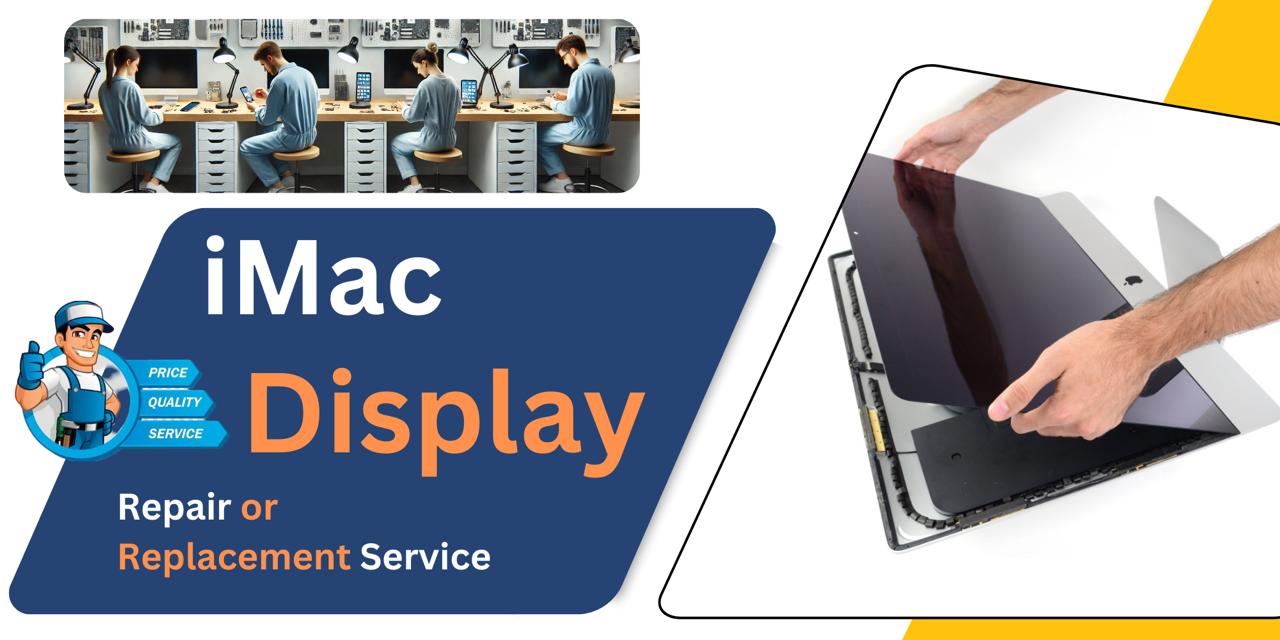
iMac 27 Inch 2020 Display
We offer professional iMac 27 Inch 2020 Display repair and replacement service in Bangladesh. Whether it’s flickering, discoloration, or a completely damaged screen, we ensure efficient diagnostics and quality parts for smooth performance. Visit iCare Apple for reliable and affordable Display solutions you can trust.
Display
- 30 Days - Money back Guaranty
- Replacement Time - 1 Hour
- Service Charge Included
- 24/7 support
How to Identify When Your iMac 27 Inch 2020 Display Needs Replacement
Here are four signs that your iMac 27 Inch 2020 Display may need replacement:
Flickering or Flashing Screen:
If your Display constantly flickers or flashes even after restarts, it may signal internal damage or hardware failure.
Lines or Dead Pixels:
Horizontal or vertical lines, or clusters of dead pixels, often indicate a failing or damaged Display panel.
No Display or Black Screen:
A completely black screen despite the iMac being powered on suggests a potential Display or Display connector issue.
Discoloration or Distorted Colors:
If you notice odd color shifts, dim areas, or image burn-in, your Display may be degrading and require replacement.
Our iMac 27 Inch 2020 Display Repair & Replacement Process
Diagnosis:
We begin with a detailed checkup to identify screen issues like flickering, blackouts, or dead pixels.
Customer Approval:
After diagnosis, we explain the problem, cost, and time required for Display replacement or repair.
Display Replacement:
Using original parts, we carefully replace the faulty Display to ensure perfect screen performance.
Final Testing:
Once the repair is done, we conduct thorough tests to ensure clarity, brightness, and full functionality before delivery.

Why Choose iCare Apple for iMac 27 Inch 2020 Display Repair & Replacement!?
Choose iCare Apple for iMac 27 Inch 2020 Display repair or replacement because we use original parts, offer expert diagnostics, and ensure professional service. With our experienced technicians and efficient process, we restore your Display’s performance at a competitive price. Your iMac is safe in our hands.
Top Benefits of iMac 27 Inch 2020 Display Repair & Replacement at iCare Apple
Certified Technicians
Our iMac replacements are handled by certified technicians who ensure precision, safe handling, and expert service, delivering reliable performance and long-term satisfaction for every repair.
Original & High-Quality Parts
We use original parts for all iMac replacements, ensuring durability, perfect compatibility, and optimal performance to restore your device just like the factory standard.
Quick and Efficient Service
Our quick and efficient service ensures your iMac Display is repaired or replaced promptly, minimizing downtime while maintaining the highest quality and performance standards.

Tips & Tricks
• Clean Gently with a Microfiber Cloth
Use a soft, lint-free microfiber cloth to clean the screen. Avoid paper towels or abrasive materials that can scratch the display.
• Use Screen Cleaner Safely
Apply a screen-safe cleaning solution or a mix of water and vinegar sparingly. Never spray directly on the screen; apply to the cloth instead.
• Avoid Excessive Brightness
Keep screen brightness at a comfortable level to reduce strain on the display and extend its lifespan. High brightness can degrade pixels over time.
• Keep Liquids Away
Avoid placing drinks or liquids near your iMac to prevent accidental spills that can damage the display.
• Avoid Direct Sunlight Exposure
Direct sunlight can cause overheating and screen discoloration. Position your iMac where it won’t face harsh sunlight.
• Use a Screen Protector
Consider applying a screen protector to shield your display from scratches and dust buildup.
• Turn Off Display When Not in Use
Switch off or put your iMac to sleep when idle to reduce screen wear and save energy.
• Avoid Touching the Screen
Limit touching the screen to prevent fingerprints, smudges, and potential damage to the display surface.
• Adjust Display Settings Regularly
Calibrate colors and adjust resolution settings to maintain optimal display quality and reduce eye strain.
• Keep Your iMac Ventilated
Proper ventilation prevents overheating, which can affect display performance and longevity. Keep vents clear of dust.
Consistent care and mindful usage help preserve the clarity, brightness, and lifespan of your iMac 27 Inch 2020 Display.
What Our Customers Are Saying About Our iMac 27 Inch 2020 Display Repair & Replacement Service
Roman Rahman
Got my iMac 27 Inch 2020 Display replaced at iCare Apple. The screen looks brand new and the service was quick.
Nazia Haque
I had Display issues with my iMac and iCare Apple handled it professionally. Very happy with the clear visuals now.
Rima Sultana
The Display replacement was smooth and hassle-free. iCare Apple did a great job and kept me updated throughout the process.
Farzana Kabir
My iMac screen had flickering issues, but iCare Apple fixed it perfectly. Really impressed with their service quality.
Your Trust is Our Strength
Why Timely iMac Display Repair or Replacement is Essential
Timely iMac 27 Inch 2020 Display repair or replacement prevents further damage and costly repairs. A faulty screen affects your work and viewing experience, causing eye strain and frustration. Acting quickly ensures your device performs optimally, maintaining its value and extending its lifespan with clear, vibrant visuals.
Visit iCare Apple in Dhaka for Professional iMac Repairs
Located at the heart of Dhaka, iCare Apple offers top-notch repair services for all iMac models. Our team is committed to providing quality repairs, and we stand by our work. So, if your iMac 27 Inch 2020 needs a Display repair or replacement, visit iCare Apple and experience professional service from trusted experts.
Ensure the longevity and performance of your iMac 27 Inch 2020 by opting for quality Display replacement or repair services at iCare Apple.
FAQ
1. How long does the Display repair or replacement take?
Typically, few hours or several days depending on part availability and the issue’s complexity.
2. Will the repair process affect my iMac’s original Display settings?
No, the original settings remain intact after Display repair or replacement.
3. How much does the Display repair or replacement cost?
The cost varies based on the damage, but we provide a transparent quote after diagnosis before proceeding.
4. What signs indicate my iMac Display needs replacement?
Flickering, lines, black screen, or discoloration are common signs that your Display may need replacement.
5. How do I know if the problem is with the Display or the graphics card?
Our technicians diagnose the exact cause to confirm if the Display or other components are at fault.
6. Are your technicians certified for iMac repairs?
Yes, our technicians are experienced and trained specifically for Apple device repairs.
7. What if my iMac has multiple issues besides the Display?
We can diagnose and repair multiple issues; just inform us when you bring the device.
8. Do you provide an estimate before starting the repair?
Yes, we give a clear estimate after Diagnosis and wait for your approval before proceeding.