

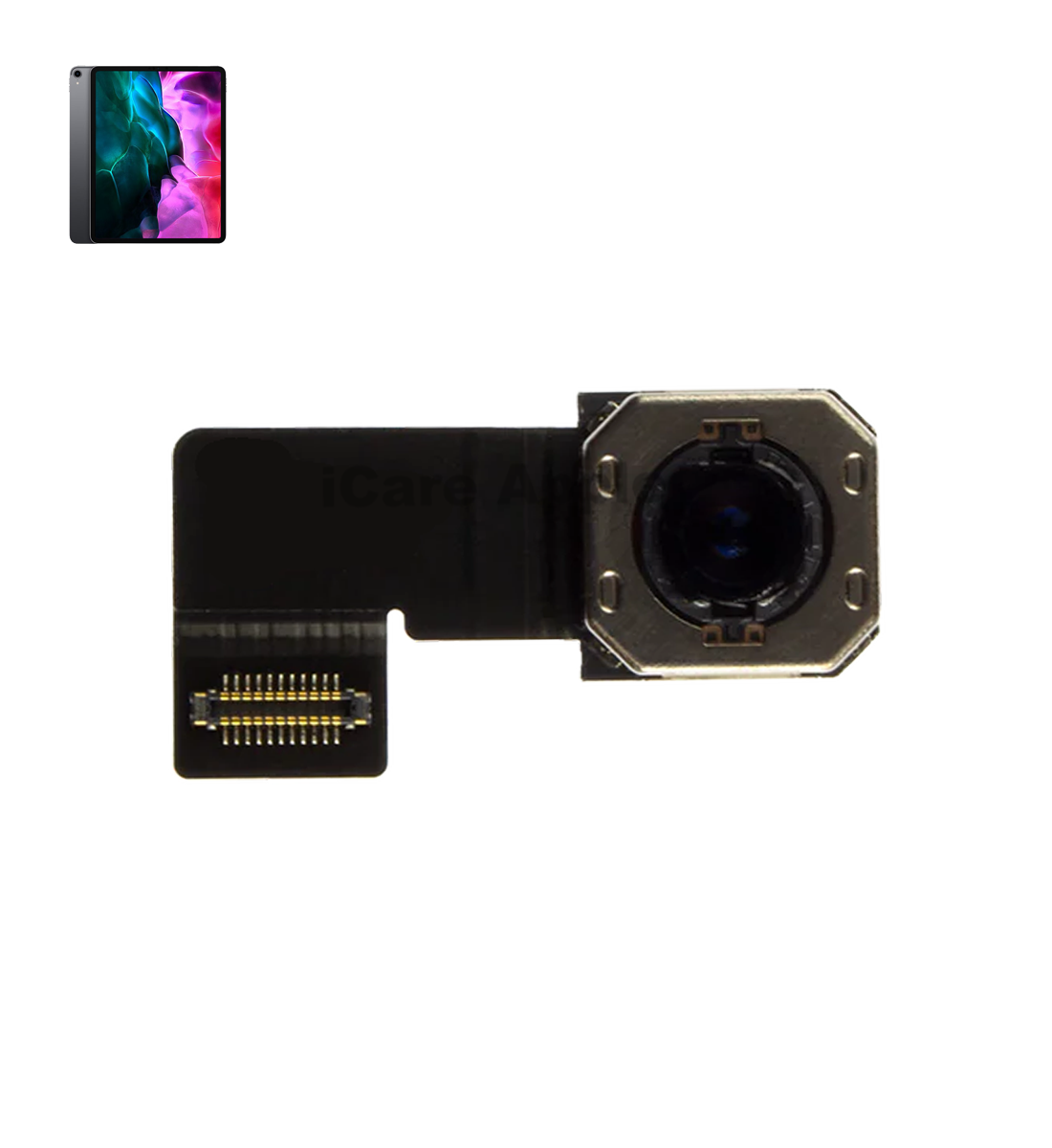
iPad Pro 2nd Gen 12.9” 2017 Back Camera
At iCare Apple, we offer expert Back Camera replacement service for the iPad Pro 2nd Gen 12.9” 2017 in Bangladesh. We use original parts and ensure safe, professional handling. Whether it’s blur, focus, or hardware damage—our skilled technicians restore your iPad’s camera performance quickly and reliably.
Back Camera
- 1 Year - Replacement Guaranty
- 30 Days - Money back Guaranty
- Replacement Time - 1 Hour
- Service Charge Included
- 24/7 support
How to Identify When Your iPad Pro 2nd Gen 12.9” 2017 Back Camera Needs Replacement
Here are four signs that your iPad Pro 2nd Gen 12.9” 2017 Back Camera may need replacement:
Blurry or Unfocused Photos
If your pictures consistently come out blurry despite cleaning the lens, the camera sensor might be failing.
Camera App Crashes or Fails to Open
Frequent crashes or inability to access the Back Camera can indicate hardware problems.
Black or Blank Screen When Using Back Camera
A black screen instead of the camera view often signals a malfunctioning camera module.
Distorted or Discolored Images
If images show strange colors, lines, or distortion, the camera hardware likely needs repair or replacement.

Our iPad Pro 2nd Gen 12.9” 2017 Back Camera Replacement Process
Diagnosis:
We carefully inspect your device to confirm the Back Camera issue and rule out software problems.
Approval:
After diagnosis, we provide a clear cost estimate and timeline for your approval.
Replacement:
Our skilled technicians replace the faulty Back Camera using original parts to ensure optimal performance.
Testing & Delivery:
We rigorously test the new camera for quality and functionality before returning your iPad.

Why Choose iCare Apple for iPad Pro 2nd Gen 12.9” 2017 Back Camera Replacement!?
Choose iCare Apple for iPad Pro 2nd Gen 12.9” 2017 Back Camera replacement because we use original parts, expert technicians, and provide careful, reliable service. We ensure quick turnaround, affordable pricing, and restore your camera’s full performance with professional care, making us the trusted choice in Bangladesh.
Top Benefits of iPad Pro 2nd Gen 12.9” 2017 Back Camera Replacement at iCare Apple
Certified Technicians
Our technicians are certified and highly skilled, ensure repairs for your iPad Pro 2nd Gen 12.9” 2017. We guarantee top-notch service for all Back Camera replacements.
Original & High-Quality Parts
We use genuine Apple parts for iPad Back Camera replacements, ensuring optimal performance, durability, and preserving your iPad's original quality for long-lasting results.
Quick and Efficient Service
At iCare Apple, we prioritize quick and efficient service, minimizing downtime. Our experienced team provides rapid, reliable Back Camera repairs, so you can get back to using your iPad without delay.

Tips & Tricks
• Clean the Lens Gently and Regularly
Use a microfiber cloth to remove dust, smudges, or fingerprints. Avoid using rough materials that could scratch the lens.
• Use a Protective Case with Camera Cutout
Choose a case that shields the camera bump without blocking it. This prevents direct impact and reduces dust buildup.
• Avoid Exposure to Extreme Temperatures
High heat or cold can damage the internal camera components. Store your iPad in moderate environments when not in use.
• Don’t Use Damaged or Scratched Lens Protectors
Old or cracked protectors can interfere with photo quality. Replace them promptly to avoid damage or image distortion.
• Avoid Using the Camera in Rain or Humid Conditions
Moisture can fog the lens or short-circuit internal components. Always keep your iPad dry while taking photos.
• Update iPadOS Regularly
Software updates often include camera performance improvements. Staying updated helps the camera run smoothly and efficiently.
• Don’t Drop or Shake the iPad
Sudden impacts can misalign or damage the camera lens. Handle your device with care, especially while using the camera.
• Avoid Using Zoom Excessively
Digital zoom can degrade image quality and stress the sensor. Move closer to your subject when possible for clearer shots.
• Close Background Apps While Using Camera
Too many open apps can slow down camera response. Free up memory to maintain smooth camera function.
• Get Professional Help for Camera Issues
If you notice blurriness, lag, or focus problems, consult experts early. Ignoring early signs can lead to more damage.
Proper handling and timely care can significantly extend the lifespan of your iPad’s Back Camera and preserve image quality.
What Our Customers Are Saying About Our iPad Pro 2nd Gen 12.9” 2017 Back Camera Replacement Service
Sabbir Hossain
The Back Camera replacement was handled professionally at iCare Apple. My iPad now takes clear and sharp photos again.
Rumana Akter
I am impressed with the quick and reliable service. The camera replacement was smooth and affordable.
Rukaiya Islam
iCare Apple replaced my iPad’s Back Camera perfectly. The technicians were skilled and the service was prompt.
Farhana Sultana
Great experience with iCare Apple. The Back Camera works flawlessly after replacement, and the process was hassle-free.
Your Trust is Our Strength
Why Timely iPad Back Camera Replacement is Essential
Timely replacement of the iPad Pro 2nd Gen 12.9” 2017 Back Camera is essential to maintain photo quality and prevent further internal damage. Delaying repairs can cause worsening performance and costly issues. Prompt service ensures your iPad captures sharp, clear images and functions smoothly without interruption.
Visit iCare Apple in Dhaka for Professional iPad Repairs
Located at the heart of Dhaka, iCare Apple offers top-notch repair services for all iPad models. Our team is committed to providing quality repairs, and we stand by our work. So, if your iPad Pro 2nd Gen 12.9” 2017 needs a Back Camera replacement, visit iCare Apple and experience professional service from trusted experts.
Ensure the longevity and performance of your iPad Pro 2nd Gen 12.9” 2017 by opting for quality Back Camera replacement services at iCare Apple.
FAQ
1. How long does iPad Pro 2nd Gen Back Camera replacement take?
It typically takes a few hours, depending on the repair complexity.
2. Will FaceTime or photo quality improve after replacement?
Yes, your camera functionality will return to original standards.
3. Do you use original parts for replacements?
Yes, we use original parts for all replacements.
4. How much does the iPad camera replacement cost?
The cost varies depending on the issue; contact us for an estimate.
5. Can you fix a camera with water damage?
We can assess the damage, and if repairable, we’ll proceed with the replacement.
6. Will the camera replacement affect my iPad's performance?
No, the replacement restores full functionality without affecting performance.
7. Can the Back Camera be repaired instead of replaced?
In most cases, replacement is more effective than repair.
8. Is the new Back Camera water-resistant like the original?
It maintains similar functionality but may not guarantee water resistance.