

Apple devices like the iPhone, MacBook, iPad, and Apple Watch are known for their reliability and sleek design. However, like any technology, they require proper care to maintain optimal performance. At iCare Apple, we’ve been helping customers in Dhaka keep their Apple devices in top shape since 2003. Here are 5 essential tips to ensure your devices run smoothly for years to come.
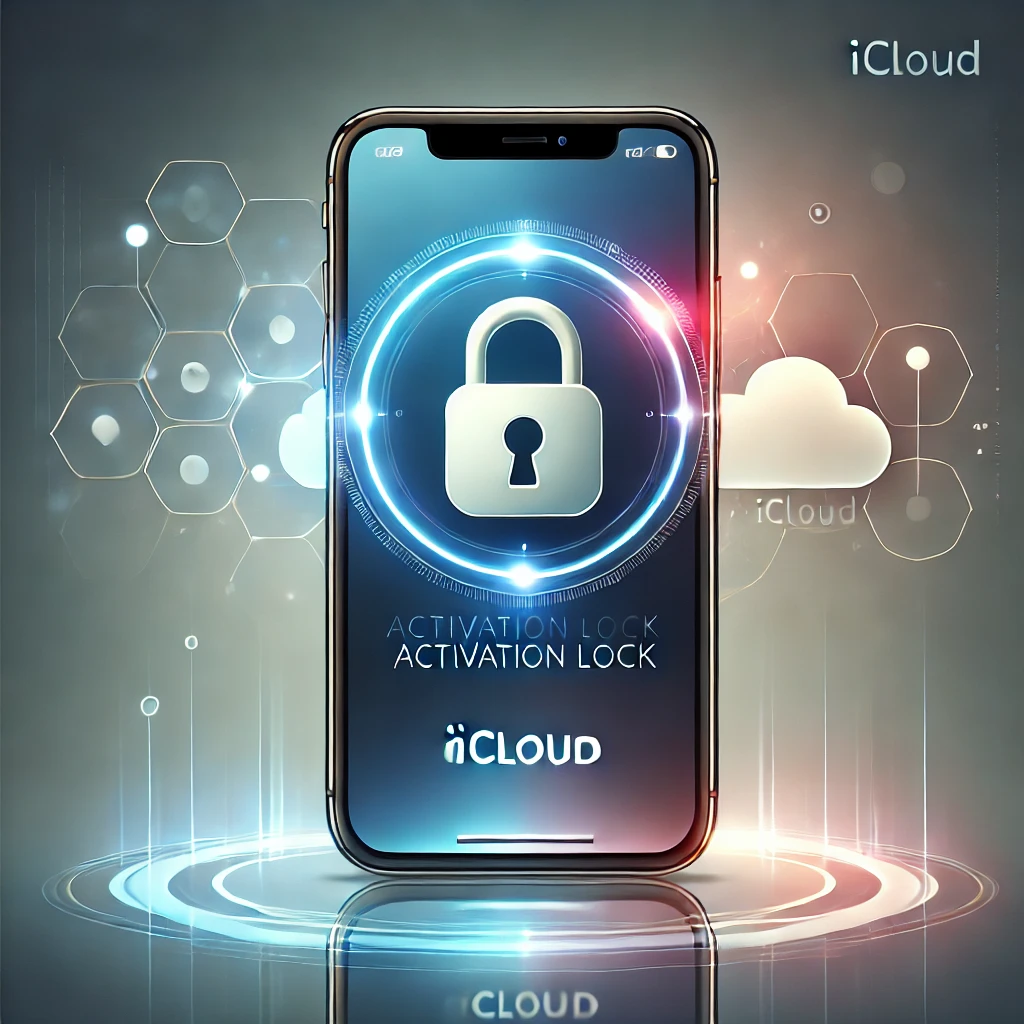
iCloud activation lock is an essential security feature designed to protect Apple devices from theft. However, if you’ve forgotten your Apple ID credentials or bought a second-hand device that’s iCloud locked, you may need to find a way to unlock it legally. At iCare Apple, we help users understand iCloud unlocking options and avoid scams.
What is iCloud Activation Lock?
iCloud Activation Lock is a security feature that prevents unauthorized access to an Apple device. When Find My iPhone (or Find My Mac/iPad) is enabled, the device is tied to the original owner’s Apple ID, requiring their login details for access.
Legal Ways to Unlock iCloud
1. Reset Your Apple ID Password
If you forgot your Apple ID password but still have access to your registered email or phone number, follow these steps:
1. Go to Apple’s ID recovery page.
2. Enter your Apple ID and follow the instructions to reset your password.
3. Use the new password to unlock your device.
2. Request Unlock from the Original Owner
If you purchased a second-hand iPhone, MacBook, or iPad and it’s iCloud-locked, contact the original owner and ask them to:
1. Log in to iCloud.com with their Apple ID.
2. Select Find My iPhone > Devices > Choose the locked device.
3. Click Remove from Account to disable iCloud lock.
Once removed, you can restart the device and activate it with your Apple ID.
3. Contact Apple Support
If you’re the original owner but lost access to your Apple ID, you can request Apple to unlock your iCloud by providing proof of purchase. To do this:
1. Visit the Apple Support page.
2. Provide a valid receipt with the device’s serial number.
3. Apple will review your request and may unlock it if you can prove ownership.
Beware of Scams!
Many websites claim to unlock iCloud for a fee, but most of them are scams. Apple’s security system doesn’t allow iCloud bypassing without the proper credentials. Always follow official methods to avoid losing money or compromising your personal information.
Need Help with Your Apple Device? Visit iCare Apple!
At iCare Apple, we specialize in MacBook, iPhone, iPad, and Apple Watch repairs. If you need expert advice or help with Apple device issues, visit us today:
Address: 68/69 Concept Tower, 3rd Floor, Green Road, Dhaka-1205, Bangladesh
Contact: +8801841199551 | +8801301956856 | +8801788937122
Business on Google: https://g.page/icareapplebd
Location Map on Google: https://rb.gy/lp95fm
Facebook: https://facebook.com/icareapplebd
Whatsapp : https://wa.me/message/GHHQEKSLHTQ6N1
Youtube : www.youtube.com/@icareapple8031
Instagram: instagram.com/icareapplebd
Email: mail@icareapplebd.com
Let’s keep your Apple devices secure and running smoothly!