
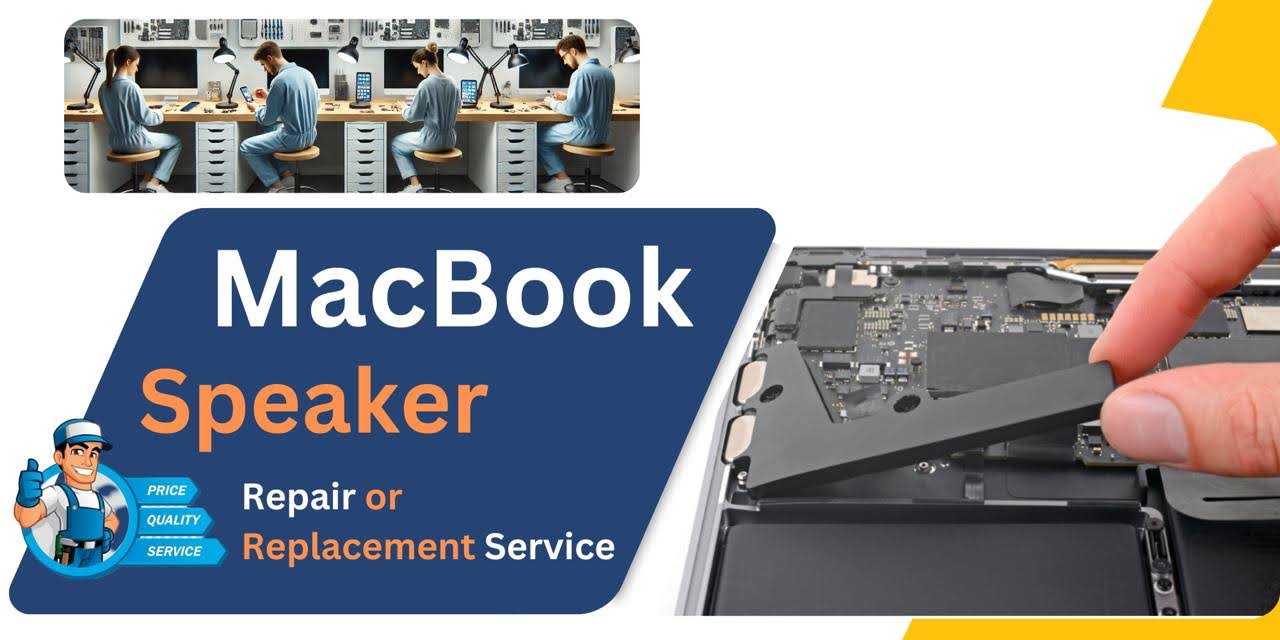
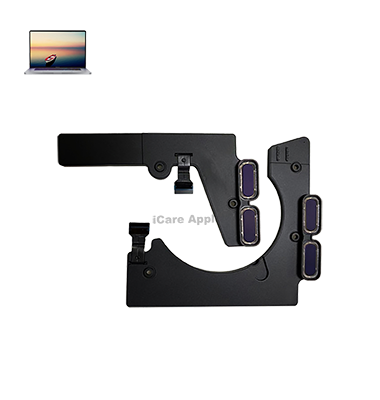
MacBook Pro (2020) A2289 Speaker
At iCare Apple, we offer expert MacBook Pro (2020) A2289 Speaker replacement services in Bangladesh. If you’re experiencing low sound or no audio, our skilled technicians will quickly replace the faulty Speaker with high-quality parts, restoring clear sound and ensuring your MacBook’s audio works perfectly again.
How to Identify When Your MacBook Pro (2020) A2289 Speaker Needs Replacement
Here are four signs that your MacBook Pro (2020) A2289 Speaker may need replacement:
Low or Distorted Sound:
If your MacBook Pro’s Speaker produces distorted or muffled sound, even at full volume, it may need replacement.
No Sound Output:
When there’s no sound coming from the Speaker, despite all settings being correct, it’s a clear sign of a malfunction.
Crackling or Popping Noise:
If the Speaker crackles or pops during use, it indicates potential damage that needs replacement.
Audio Cuts In and Out:
Intermittent sound loss or disruption can mean the Speaker is failing and requires professional replacement.
Our MacBook Pro (2020) A2289 Speaker Replacement Process
1. Diagnosis:
Our technicians perform a detailed inspection to confirm Speaker issues.
2. Quote & Approval:
After diagnosis, we provide a transparent quote for replacement.
3. Replacement:
We use high-quality replacement Speakers and perform the installation with precision.
4. Testing & Handover:
Post-replacement, we test the Speaker to ensure flawless performance before returning your MacBook.

Choose iCare Apple for your MacBook Pro (2020) A2289 Speaker replacement because we offer expert service with high-quality replacement parts, quick turnaround time, and a satisfaction guarantee. Our technicians are trained to restore your device’s audio to top condition, ensuring reliable performance and a hassle-free experience.
✌️Top Benefits of MacBook Pro (2020) A2289 Speaker Replacement at iCare Apple
Certified Technicians
Our technicians are certified and highly skilled, ensure repairs for your MacBook Pro (2020) A2289. We guarantee top-notch service for all Speaker replacements.
Original & High-Quality Parts
We use genuine Apple parts for MacBook Speaker replacements, ensuring optimal performance, durability, and preserving your MacBook's original quality for long-lasting results.
Quick and Efficient Service
At iCare Apple, we prioritize quick and efficient service, minimizing downtime. Our experienced team provides rapid, reliable Speaker repairs, so you can get back to using your MacBook without delay.

Tips & Tricks for MacBook Pro (2020) A2289 Speaker
👍 Optimize Audio Settings:
Explore macOS System Preferences to adjust audio settings such as equalizer presets, audio balance, and output volume to customize the sound profile according to your preferences and listening environment.
👍 Position the MacBook Pro:
Place the MacBook Pro A2289 on a solid, flat surface to optimize sound projection and resonance. Avoid obstructing the Speaker grilles located on the sides of the keyboard to ensure unimpeded audio output.
👍 Use Audio Enhancements:
Take advantage of built-in audio enhancements such as Sound Check and Audio Units in macOS to normalize volume levels and apply audio effects for improved sound quality during playback.
👍 Enable Dolby Atmos (if supported):
If your MacBook Pro A2289 supports Dolby Atmos, enable this feature to experience immersive surround sound with compatible content. Dolby Atmos technology enhances the spatial audio experience, providing a more cinematic and lifelike listening experience.
👍 Connect External Speakers:
For enhanced audio quality and volume output, connect external Speakers or headphones to the MacBook Pro 2020 – A2289 using the headphone jack or USB-C ports. External Speakers can provide a richer and more powerful audio experience, especially for multimedia content.
👍 Experiment with Audio Apps:
Explore third-party audio apps and plugins available for macOS to enhance the functionality and versatility of the MacBook Pro A2289 Speakers. Audio apps offer advanced features such as audio equalization, spatial audio processing, and surround sound emulation.
👍 Adjust Sound Output:
Switch between internal Speakers, external Speakers, and headphones using the macOS sound output settings to tailor the audio output source to your current setup and preferences. Adjust sound output settings based on your listening needs and device connectivity.
👍 Minimize Background Noise:
Minimize background noise and distractions in your environment to optimize the listening experience with the MacBook Pro 2020 – A2289 Speakers. Create a quiet and conducive listening environment for immersive audio enjoyment.
👍 Use Audio Streaming Services:
Take advantage of online audio streaming services such as Apple Music, Spotify, or Tidal to access a vast library of high-quality audio content and playlists optimized for different genres and moods. Explore curated playlists and recommendations for new music discoveries.
👍 Protect the Speakers:
Handle the MacBook Pro A2289 with care to avoid damaging the Speakers. Avoid placing heavy objects on top of the laptop, and refrain from exposing the Speakers to moisture, dust, or extreme temperatures. Use protective cases or sleeves to safeguard the MacBook Pro during transport.
Incorporate these tips and tricks into your audio experience with the MacBook Pro 2020 – A2289 Speakers to optimize sound quality, versatility, and enjoyment for various listening activities and preferences.
What Our Customers Are Saying About Our MacBook Pro (2020) A2289 Speaker Replacement Service
Sohail Ahmed
The Speaker replacement service at iCare Apple was quick and professional. My MacBook Pro's audio is perfect now!
Tamim Chowdhury
I am impressed by the fast service and high-quality parts. My MacBook's Speaker is like new again.
Mirza Khan
Excellent experience at iCare Apple. They replaced my Speaker flawlessly, and the sound quality is amazing.
Rifat Hossain
I got my MacBook's Speaker replaced within a day, and the sound is crystal clear. Highly recommend!
Your Trust is Our Strength
Why Timely MacBook Speaker Replacement is Essential
Timely MacBook Pro (2020) A2289 Speaker replacement is essential to maintain clear audio and prevent further damage. Delaying replacement can affect your device’s overall performance, making it harder to enjoy media and communicate effectively. Ensuring prompt repairs enhances the longevity of your MacBook and restores optimal sound quality.
Visit iCare Apple in Dhaka for Professional MacBook Repairs
Located at the heart of Dhaka, iCare Apple offers top-notch repair services for all Macbook models. Our team is committed to providing quality repairs, and we stand by our work. So, if your MacBook Pro (2020) A2289 needs a Speaker replacement, visit iCare Apple and experience professional service from trusted experts.
Ensure the longevity and performance of your MacBook Pro (2020) A2289 by opting for quality Speaker replacement services at iCare Apple.
FAQ
1. How long does the MacBook Pro (2020) A2289 Speaker replacement take?
It typically takes a few hours, depending on the complexity of the issue.
2. What is the cost of the Speaker replacement service?
The cost varies based on the diagnosis; we provide a transparent quote after inspection.
3. Do you offer a warranty on the replacement Speaker?
Yes, we provide a warranty on all replacement parts and services.
4. Can I replace the Speaker myself?
We recommend professional replacement to avoid damage and ensure optimal performance.
5. What causes Speaker issues in my MacBook Pro?
Common causes include physical damage, water exposure, or hardware failure.
6. Do you use original parts for the Speaker replacement?
Yes, we use high-quality replacement parts to ensure long-lasting performance.
7. Will replacing the Speaker affect my MacBook's warranty?
Yes, replacing the Speaker will void your MacBook’s warranty as iCare Apple is not an authorized service provider.
8. How do I know if my MacBook’s Speaker needs replacement?
If you’re experiencing distorted sound, no sound, or low audio, it may be time for a replacement.