
iMac 27 Inch 2017 Motherboard
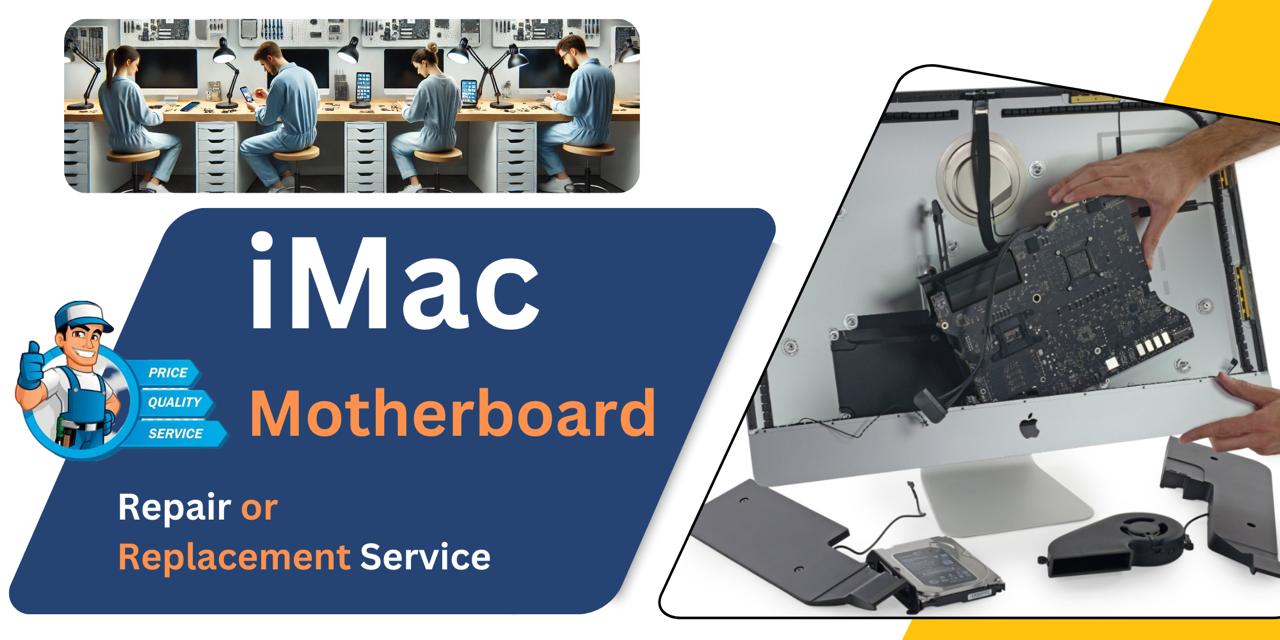
At iCare Apple in Bangladesh, we offer expert iMac 27 Inch 2017 Motherboard repair and replacement services. Whether it’s power failure or logic board issues, we diagnose precisely and provide reliable solutions. Trust us for efficient, professional service that restores your iMac’s performance with care and precision.
MotherBoard
- 1 Year - Replacement Guaranty
- 30 Days - Money back Guaranty
- Replacement Time - 1 Hour
- Service Charge Included
- 24/7 support
How to Identify When Your iMac 27 Inch 2017 Motherboard Needs Replacement
Here are four signs that your iMac 27 Inch 2017 Motherboard may need replacement:
No Power or Startup Failures
If your iMac doesn’t turn on at all or frequently shuts down without warning, the Motherboard could be damaged.
Display Without Functionality
When the screen lights up but the system doesn’t boot or respond, it often indicates a Motherboard-level issue.
Burnt Smell or Overheating
Any strange smells or excessive heat coming from your iMac may point to internal Motherboard damage.
Unusual Sounds or Glitches
Beeping sounds, freezing, or corrupted graphics can signal critical faults with the Motherboard.
Our iMac 27 Inch 2017 Motherboard Replacement Process
Diagnosis:
We begin with a thorough inspection using advanced tools to detect Motherboard-related issues.
Client Approval:
After identifying the problem, we explain the condition, cost, estimated timeline, and whether the Motherboard can be repaired or needs replacement.
Repair or Replacement:
Depending on the issue, we perform chip-level repair or replace the Motherboard with a compatible one.
Final Testing:
We run multiple performance tests to ensure stability before delivery. Our goal is to restore your iMac’s performance with precision and care.

Why Choose iCare Apple for iMac 27 Inch 2017 Motherboard Repair & Replacement!?
Choose iCare Apple for iMac 27 Inch 2017 Motherboard repair or replacement because we ensure expert diagnostics, skilled technicians, and quality parts. We explain the issue clearly, offer cost-effective solutions, and prioritize data safety. Trust us for reliable service and transparent communication throughout the repair process.
Top Benefits of iMac 27 Inch 2017 Motherboard Repair & Replacement at iCare Apple
Certified Technicians
Our iMac replacements are handled by certified technicians who ensure precision, safe handling, and expert service, delivering reliable performance and long-term satisfaction for every repair.
Original & High-Quality Parts
We use original parts for all iMac replacements, ensuring durability, perfect compatibility, and optimal performance to restore your device just like the factory standard.
Quick and Efficient Service
Our quick and efficient service ensures your iMac Motherboard is repaired or replaced promptly, minimizing downtime while maintaining the highest quality and performance standards.

Tips & Tricks
• Keep It Dust-Free
Regularly clean the vents and internal components to prevent dust buildup. Excess dust can cause overheating and damage the Motherboard.
• Ensure Proper Ventilation
Place your iMac in a well-ventilated area. Avoid blocking air vents to maintain stable internal temperatures.
• Avoid Power Surges
Use a high-quality surge protector or UPS. Sudden voltage spikes can permanently damage Motherboard circuits.
• Handle with Care During Movement
If relocating your iMac, avoid shaking or tilting it too much. Internal shocks can dislodge Motherboard connections.
• Check for Liquid Exposure
Keep all drinks and liquids away from your iMac. Even small spills can short Motherboard components.
• Run Regular Diagnostics
Use Apple Diagnostics or third-party tools to monitor system health. Early detection of issues helps avoid Motherboard failure.
• Avoid Overheating
Don’t cover the back of the iMac or block airflow. Overheating shortens the lifespan of Motherboard components.
• Keep macOS Updated
Regular updates include hardware compatibility fixes. These can help the Motherboard operate efficiently.
• Unplug During Storms
Avoid using your iMac during electrical storms. Lightning can cause Motherboard burnouts via power lines.
• Use Quality Accessories
Avoid cheap third-party chargers or adapters. Substandard accessories can cause voltage inconsistencies that harm the board.
Proper care and timely precautions can significantly extend your iMac 2017’s Motherboard lifespan and performance.
What Our Customers Are Saying About Our iMac 27 Inch 2017 Motherboard Repair & Replacement Service
Tanjina Rahman
The team at iCare Apple diagnosed and replaced my iMac 2017 Motherboard efficiently. Everything works flawlessly now.
Nayeem Alam
I’m impressed with the transparency and professionalism during my iMac Motherboard repair. Highly recommend iCare Apple.
Farzana Haque
My iMac 27 Inch had power issues, and iCare Apple fixed it with a Motherboard replacement. Smooth service from start to finish.
Mahmudul Karim
Quick diagnosis and detailed explanation before starting the work. iCare Apple made the whole repair process stress-free.
Your Trust is Our Strength
Why Timely iMac Motherboard Repair or Replacement is Essential
Timely iMac 27 Inch 2017 Motherboard repair or replacement is essential to prevent complete system failure, data loss, and further hardware damage. Delaying service can lead to performance issues, random shutdowns, and higher repair costs. Acting early ensures smoother functionality, stability, and prolongs the overall lifespan of your iMac.
Visit iCare Apple in Dhaka for Professional iMac Repairs
Located at the heart of Dhaka, iCare Apple offers top-notch repair services for all iMac models. Our team is committed to providing quality repairs, and we stand by our work. So, if your iMac 27 Inch 2017 needs a Motherboard repair or replacement, visit iCare Apple and experience professional service from trusted experts.
Ensure the longevity and performance of your iMac 27 Inch 2017 by opting for quality Motherboard repair or replacement services at iCare Apple.
FAQ
1. How do I know if my iMac Motherboard needs replacement?
Signs include no power, frequent crashes, no display, or malfunctioning ports despite troubleshooting.
2. Do you use original Motherboards for replacement?
Yes, we use original Motherboards to ensure full performance and reliability.
3. Can a Motherboard be repaired instead of replaced?
Depending on the damage, minor issues can be repaired; otherwise, a full replacement is recommended.
4. How long does the Motherboard repair or replacement take?
Few hours or several business days depending on the issue and part availability.
5. Will my data be safe during Motherboard repair or replacement?
Motherboard replacement causes complete data loss, even repairs carry some risk, so always secure your important data before service.
6. Can you diagnose Motherboard issues without disassembling the iMac?
Some symptoms can be checked externally, but full diagnosis requires internal inspection.
7. What causes Motherboard failure in iMac 27 Inch 2017?
Common causes include overheating, power surges, liquid damage, and hardware aging or defects.
8. What happens if I ignore Motherboard issues?
Ignoring issues can cause complete system failure and increase repair costs significantly.