
iMac 27 Inch 2020 Motherboard
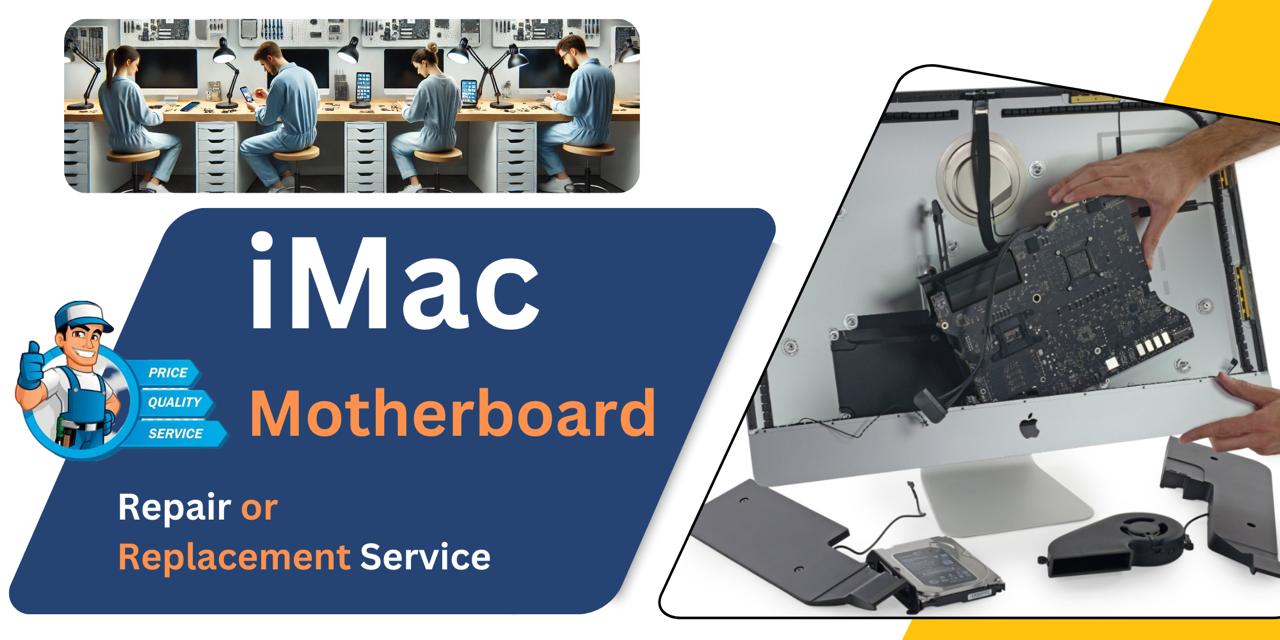
We offer expert iMac 27 Inch 2020 Motherboard repair and replacement service in Bangladesh. Whether it’s power issues, freezing, or no display, we diagnose and resolve the problem efficiently. At iCare Apple, we use original parts and skilled technicians to ensure long-lasting performance and reliable results for your iMac.
MotherBoard
- 1 Year - Replacement Guaranty
- 30 Days - Money back Guaranty
- Replacement Time - 1 Hour
- Service Charge Included
- 24/7 support
How to Identify When Your iMac 27 Inch 2020 Motherboard Needs Replacement
Here are four signs that your iMac 27 Inch 2020 Motherboard may need replacement:
No Power or Startup Failure:
If your iMac doesn’t turn on or shows no signs of life, the Motherboard may be damaged.
Frequent Crashes or Freezes:
Constant system crashes, even after OS reinstallation, can signal Motherboard failure.
No Display Despite Power:
If your iMac powers on but the screen remains black, the Motherboard could be faulty.
USB Ports or Internal Components Not Working:
Malfunctioning ports, RAM, or GPU often indicate deeper issues with the Motherboard.
Our iMac 27 Inch 2020 Motherboard Repair Replacement Process
Diagnosis:
We begin with a complete hardware check to confirm Motherboard-related issues like power failure, no display, or freezing.
Client Approval:
After identifying the problem, we explain the condition, cost, estimated timeline, and whether the Motherboard can be repaired or needs replacement.
Motherboard Replacement or Repair:
Our technicians replace or repair the Motherboard using original parts, ensuring full compatibility and performance.
Final Testing & Delivery:
Once done, we test the iMac thoroughly for stability and functionality before safely returning it to you.

Why Choose iCare Apple for iMac 27 Inch 2020 Motherboard Repair & Replacement!?
Choose iCare Apple for iMac 27 Inch 2020 Motherboard repair or replacement because we offer expert diagnostics, original parts, and skilled technicians. We ensure safe handling, reliable performance, and honest pricing. Trust us for professional service that brings your iMac back to life with care and precision.
Top Benefits of iMac 27 Inch 2020 Motherboard Repair & Replacement at iCare Apple
Certified Technicians
Our iMac replacements are handled by certified technicians who ensure precision, safe handling, and expert service, delivering reliable performance and long-term satisfaction for every repair.
Original & High-Quality Parts
We use original parts for all iMac replacements, ensuring durability, perfect compatibility, and optimal performance to restore your device just like the factory standard.
Quick and Efficient Service
Our quick and efficient service ensures your iMac Motherboard is repaired or replaced promptly, minimizing downtime while maintaining the highest quality and performance standards.

Tips & Tricks
• Ensure Proper Ventilation
Place your iMac in a well-ventilated area to prevent overheating. Consistent airflow protects internal components like the Motherboard.
• Clean Dust Regularly
Dust buildup can cause overheating and short circuits. Clean vents and surrounding areas every few months.
• Use a Surge Protector
Power surges can instantly damage the Motherboard. Always connect your iMac through a high-quality surge protector.
• Avoid Liquid Exposure
Even a small spill can short the Motherboard. Keep drinks and liquids away from your workstation.
• Keep Software Updated
Outdated software or firmware can stress hardware components. Regular macOS updates help maintain system health.
• Don’t Overload USB Ports
Using too many high-power devices on USB ports can strain the Motherboard. Use powered hubs if needed.
• Handle with Care During Moves
When moving your iMac, handle it gently to avoid internal shock or loose connections on the Motherboard.
• Monitor System Temperature
Use apps to monitor CPU and GPU temps. Consistent overheating can damage the Motherboard over time.
• Avoid Unauthorized Repairs
Unqualified repair attempts can lead to Motherboard failure. Always rely on certified technicians for servicing.
• Shut Down Properly
Improper shutdowns or force powering off can cause electrical stress. Always shut down using the correct method.
Proper maintenance and mindful use significantly increase the lifespan and performance of your iMac 27 Inch 2020 Motherboard.
What Our Customers Are Saying About Our iMac 27 Inch 2020 Motherboard Repair & Replacement Service
Mahin Rahman
iCare Apple diagnosed and replaced my iMac 27 Inch 2020 Motherboard efficiently. The process was smooth, and my device works perfectly now.
Lira Ahmed
The team at iCare Apple explained everything clearly before repairing my iMac Motherboard. Excellent service and fast turnaround time.
Sayeed Bin Omar
I trusted iCare Apple with my Motherboard replacement, and they exceeded my expectations. Professional and reliable service from start to finish.
Sadia Parveen
My iMac had serious Motherboard issues, but iCare Apple handled the repair quickly. Communication was great, and the device is fully restored.
Your Trust is Our Strength
Why Timely iMac Motherboard Repair or Replacement is Essential
Timely repair or replacement of the iMac 27 Inch 2020 Motherboard is essential to prevent further internal damage and data loss. Ignoring issues can lead to system failure, reduced performance, and increased costs. Early intervention ensures smoother operation, better longevity, and saves your valuable time and investment in the long run.
Visit iCare Apple in Dhaka for Professional iMac Repairs
Located at the heart of Dhaka, iCare Apple offers top-notch repair services for all iMac models. Our team is committed to providing quality repairs, and we stand by our work. So, if your iMac 27 Inch 2020 needs a Motherboard repair or replacement, visit iCare Apple and experience professional service from trusted experts.
Ensure the longevity and performance of your iMac 27 Inch 2020 by opting for quality Motherboard replacement or repair services at iCare Apple.
FAQ
1. How do I know if my iMac Motherboard needs replacement?
Signs include no power, frequent crashes, no display, or malfunctioning ports despite troubleshooting.
2. Do you use original Motherboards for replacement?
Yes, we use original Motherboards to ensure full performance and reliability.
3. Can a Motherboard be repaired instead of replaced?
Depending on the damage, minor issues can be repaired; otherwise, a full replacement is recommended.
4. How long does the Motherboard repair or replacement take?
Few hours or several business days depending on the issue and part availability.
5. Will my data be safe during Motherboard repair or replacement?
Motherboard replacement causes complete data loss, so backing up your files beforehand is essential. Even repairs carry some risk, so always secure your important data before service.
6. Can you diagnose Motherboard issues without disassembling the iMac?
Some symptoms can be checked externally, but full diagnosis requires internal inspection.
7. What causes Motherboard failure in iMac 27 Inch 2020?
Common causes include overheating, power surges, liquid damage, and hardware aging or defects.
8. What happens if I ignore Motherboard issues?
Ignoring issues can cause complete system failure and increase repair costs significantly.