iPhone 6
The Specifications of iPhone 6:
🍏 Design:
• Dimensions: 138.1 x 67 x 6.9 mm (5.44 x 2.64 x 0.27 in)
• Weight: 129 grams (4.55 ounces)
• Front glass, aluminum body
• Colors: Space Gray, Silver, Gold
🍏 Display:
• 4.7-inch Retina HD display
• LED-backlit widescreen Multi-Touch display with IPS technology
• 1334 x 750 pixels resolution at 326 ppi
• 1400:1 contrast ratio (typical)
• True Tone display
• Wide color display (P3)
🍏 Performance:
• Apple A8 chip with 64-bit architecture
• Dual-core 1.4 GHz Typhoon (ARM v8-based) CPU
• PowerVR GX6450 (quad-core graphics)
• 1GB of RAM
🍏 Camera:
• 8MP Wide rear camera
o f/2.2 aperture
o Phase detection autofocus (PDAF)
o True Tone flash
o HDR (photo/panorama)
o 1080p HD video recording at 30 or 60 fps
• 1.2MP front camera
o f/2.2 aperture
o HDR
o 720p HD video recording
🍏 Battery:
• Built-in rechargeable lithium-ion battery
• Up to 14 hours of talk time (3G)
• Up to 10 days of standby time
• Non-removable
🍏 Connectivity:
• 4G LTE, Wi-Fi 802.11ac with MIMO
• Bluetooth 4.0, NFC (Apple Pay only)
• Lightning port (no headphone jack)
🍏 Operating System:
• iOS 8 (upgradable to iOS 12.5.5)
🍏 Other Features:
• Touch ID fingerprint sensor
• Barometer, Accelerometer, Gyroscope, Proximity sensor, Ambient light sensor
• Siri natural language commands and dictation.
iPhone 6
iPHone 6
Replacement Service
Display
Battery
Rear Camera
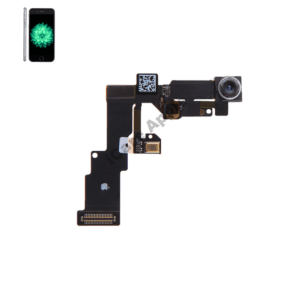
Front Camera
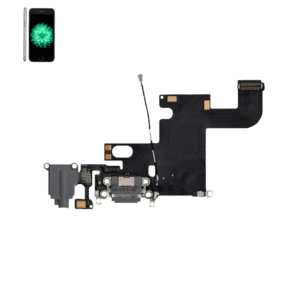
Charging Flex
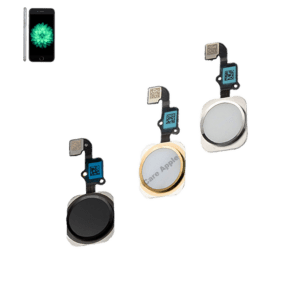
Home Button
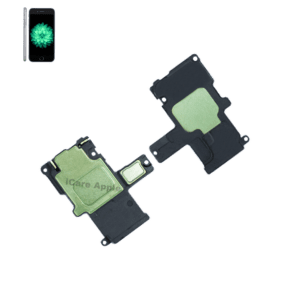
Loud Speaker
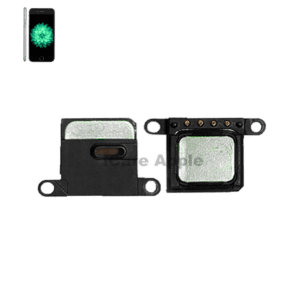
Ear Speaker
iPhone 6
Repair Service
Activation Lock Service
Front Camera Service
No Wifi Service
Touch Screen Service
Network issue
Boot Loop Service
Charging Issue Service
Haptic Feedback Service
Heating Issue Service
Mic Issue Repair
Audio Issue Service
Storage Upgrade Service
Software Service
No Power Service
Sensor Issue Service
Basband issue Service
Water Damage Service
Sudden Worning Servnic
Stuck On Logo Service
Camera Glass Service
Cleaning Service
Button Service
LDR Service
Battery Draining Service
Tips & Tricks
👍 Optimize Battery Life: Extend your battery life by managing settings such as background app refresh, location services, and screen brightness. Enable Low Power Mode from Settings > Battery when your battery is running low to further conserve power.
👍 Customize Display Settings: Adjust the display settings to optimize visibility and comfort. Go to Settings > Display & Brightness to adjust settings such as brightness, text size, and night shift mode for reduced blue light exposure at night.
👍 Use AssistiveTouch: If the physical Home button is not responsive or you prefer an alternative method of navigation, enable AssistiveTouch from Settings > Accessibility > Touch. This feature adds a virtual button to your screen that provides access to various functions, including Home, Siri, and Control Center.
👍 Maximize Camera Capabilities: The iPhone 6 features a capable camera. Experiment with different shooting modes like HDR and Panorama to capture stunning photos. Take advantage of the built-in editing tools to enhance your photos directly on your device.
👍 Utilize Siri: Siri can help you perform various tasks hands-free. Activate Siri by pressing and holding the Home button, or if enabled, by saying “Hey Siri.” Use Siri to set reminders, send messages, make calls, and more.
👍 Organize Apps with Folders: Keep your Home screen organized by creating folders to group similar apps together. Long-press on an app icon until it starts to jiggle, then drag it onto another app to create a folder. This helps declutter your Home screen and makes it easier to find apps.
👍 Secure Your Device with Passcode: Protect your device and personal data by setting up a passcode. Go to Settings > Touch ID & Passcode to create a passcode or enable Touch ID for secure authentication.
👍 Enable Find My iPhone: Protect your device by enabling Find My iPhone. This feature helps you locate your device if it’s lost or stolen, remotely lock it, or erase its data to prevent unauthorized access. Go to Settings > [Your Name] > Find My > Find My iPhone to enable this feature.
👍 Stay Updated: Keep your device up-to-date with the latest software updates. Check for updates in Settings > General > Software Update to ensure you have access to the latest features, bug fixes, and security patches.
👍 Explore Accessibility Features: Explore accessibility features to customize your iPhone experience according to your needs. From VoiceOver for vision impairments to Magnifier for enhancing text visibility, there are various tools available to enhance usability.
By incorporating these tips and tricks into your iPhone 6 usage, you can enhance your overall experience and make the most out of its features and capabilities.
No Worries !!
Repair & Replacement Service of iPhone 6 at iCare Apple in Bangladesh:
When it comes to iPhone 6 repair and replacement services in Bangladesh, iCare Apple stands out as your trusted partner. With our commitment to quality, customer satisfaction, and affordability, we offer premium services that ensure your iPhone 6 is back in top condition in no time.
At iCare Apple, we understand the value of your iPhone 6. That’s why we use original parts and provide quality services. Whether you need a display replacement, battery replacement, or any other repair service, you can trust us to use genuine components that meet Apple’s standards. Our team of expert technicians is highly trained and experienced in repairing all models of the iPhone, including the iPhone 6. Equipped with state-of-the-art facilities and advanced tools, we ensure that every repair is conducted with precision and accuracy. With our expertise, we guarantee fast and reliable repairs that you can trust.
At iCare Apple, we believe in providing quality service at competitive prices. We offer transparent pricing for all our repair and replacement services, including iPhone display and battery replacements. Additionally, we provide a one-year replacement guarantee with any parts replacement service, giving you peace of mind knowing that your device is protected. We are located in the heart of Dhaka, our service center at iCare Apple is easily accessible to customers across Bangladesh. With our convenient location and same-day service option, you can get your iPhone 6 repaired quickly and efficiently. Whether you walk in or schedule an appointment, we ensure that your device is fixed and returned to you in no time.
With years of experience providing Apple device repair services since 2003, iCare Apple has earned the trust of customers across Bangladesh. Our commitment to quality, reliability, and customer satisfaction has made us the preferred choice for iPhone repair in the country. When you choose iCare Apple, you can be confident that your iPhone 6 is in good hands.
If you’re in need of iPhone 6 repair or replacement services in Bangladesh, look no further than iCare Apple. Our dedicated team of Apple expert technicians is ready to assist you with any issue you may encounter. At iCare Apple, we are committed to keeping your iPhone 6 running smoothly for years to come. Contact us today or visit our service center in Dhaka for premium iPhone repair services that you can trust.
FAQ
1. What types of display issues can iCare Apple repair for the iPhone 6?
iCare Apple can repair a range of display issues for the iPhone 6, including cracked or shattered screens, unresponsive touch areas, screen flickering, color distortions, and dead pixels. We use high-quality replacement screens to restore your display to its original condition.
2. How long does it take to repair the display of an iPhone 6 at iCare Apple?
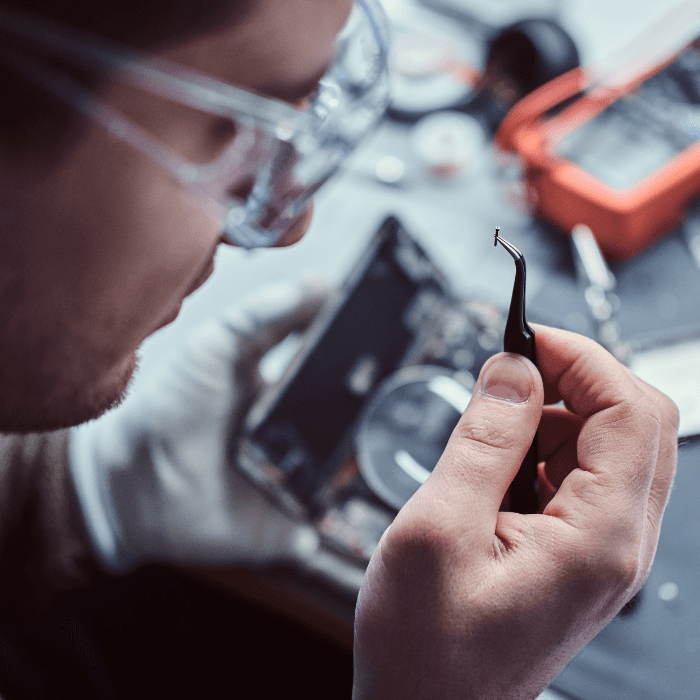
Repairing the display of an iPhone 6 typically takes about 1 to 2 hours. Our technicians aim to complete the repair efficiently while maintaining high standards of quality.
3. Can iCare Apple replace the battery in an iPhone 6?
Yes, iCare Apple offers battery replacement services for the iPhone 6. If you’re experiencing issues such as rapid battery drain, poor battery performance, or the battery not holding a charge, we can replace it with a high-quality, compatible battery.
4. What is the expected turnaround time for a battery replacement on an iPhone 6?
Battery replacement for the iPhone 6 usually takes about 30 to 60 minutes. Our technicians ensure the new battery is properly installed and tested before returning your device.
5. What should I do if my iPhone 6 has been exposed to water?
If your iPhone 6 has been exposed to water, bring it to iCare Apple as soon as possible. We will perform a detailed inspection to assess the damage and provide the best repair or replacement options. Please note that while we aim to recover your device, water damage repairs may not always be successful.
6. Are the replacement parts used by iCare Apple genuine and of high quality?
Yes, iCare Apple uses genuine, high-quality parts for all repairs, including displays and batteries for the iPhone 6. We ensure that all replacement parts meet Apple’s standards to ensure optimal performance and reliability.
7. Does iCare Apple offer a warranty on its repair services?
Yes, iCare Apple provides a warranty on all repairs, including those for the iPhone 6. This warranty covers both parts and labor used during the repair process. For specific details about the warranty period and coverage, please consult with our staff.
8. How can I schedule a repair appointment for my iPhone 6 at iCare Apple?
To schedule a repair appointment, you can visit our website, call our service center, or come directly to one of our locations. Making an appointment helps ensure that we can promptly address your repair needs and have the necessary parts available.