
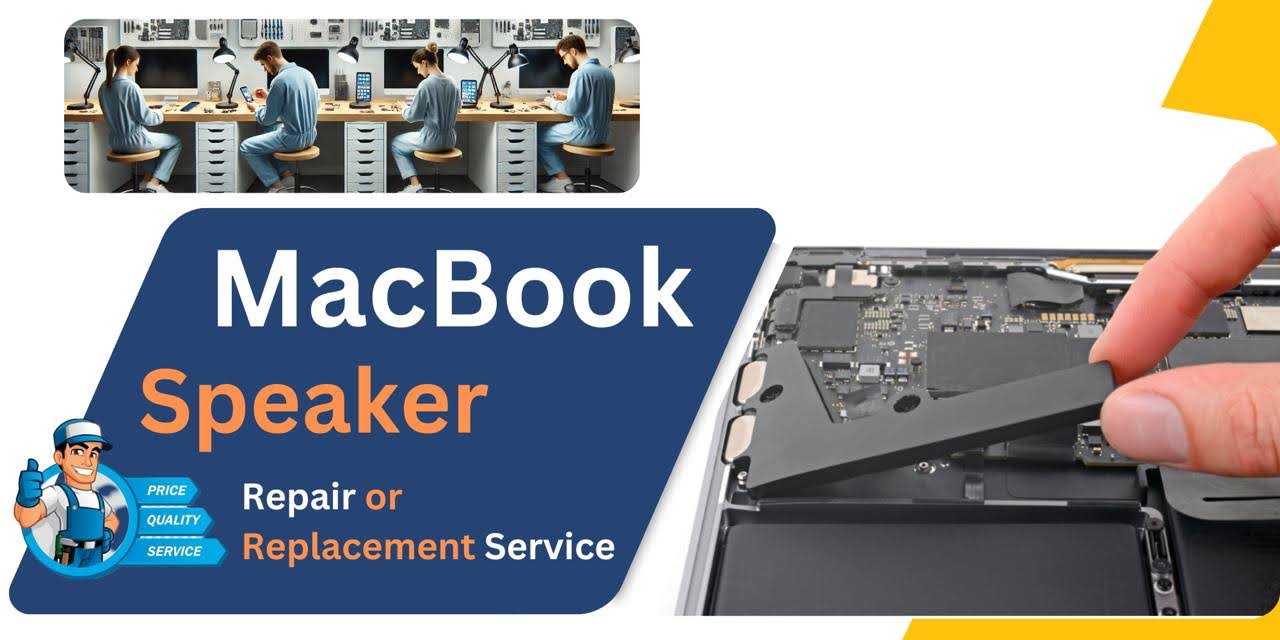
MacBook Pro (2016) A1707 Speaker
We offer reliable MacBook Pro (2016) A1707 Speaker replacement service in Bangladesh. If your device’s sound is distorted, low, or completely silent, our expert technicians ensure a quick and efficient fix with quality parts. Trust us for a professional and hassle-free Speaker replacement experience.
How to Identify When Your MacBook Pro (2016) A1707 Speaker Needs Replacement
Here are four signs your MacBook Pro (2016) A1707 Speaker needs replacement:
No Sound:
No audio output, even when the volume is up and no issues with other components.
Distorted Sound:
Crackling, popping, or muffled sounds despite adjusting the volume or settings.
Low Volume:
The sound is significantly quieter than usual, even at maximum volume.
Intermittent Sound:
Sound cuts in and out during use, indicating possible Speaker malfunction.
Our MacBook Pro (2016) A1707 Speaker Replacement Process
Diagnosis:
We carefully inspect your MacBook’s Speaker to identify sound issues and confirm if replacement is needed.
Cost Estimation:
Once diagnosed, we provide a clear and competitive cost estimate for the Speaker replacement.
Expert Replacement:
Our skilled technicians replace the faulty Speaker with a high-quality, compatible part to ensure optimal performance.
Final Testing:
After replacement, we run thorough sound and system tests to ensure your MacBook’s Speaker works perfectly.

We offer expert MacBook Pro (2016) A1707 Speaker replacement with high-quality parts and professional service. Our skilled technicians ensure precise installation, restoring your device’s sound performance. With a quick turnaround and competitive pricing, we prioritize customer satisfaction and reliable repairs. Trust us for a seamless Speaker replacement experience.
✌️Top Benefits of MacBook Pro (2016) A1707 Speaker Replacement at iCare Apple
Certified Technicians
Our technicians are certified and highly skilled, ensure repairs for your MacBook Pro (2016) A1707. We guarantee top-notch service for all Speaker replacements.
Original & High-Quality Parts
We use genuine Apple parts for MacBook Speaker replacements, ensuring optimal performance, durability, and preserving your MacBook's original quality for long-lasting results.
Quick and Efficient Service
At iCare Apple, we prioritize quick and efficient service, minimizing downtime. Our experienced team provides rapid, reliable Speaker repairs, so you can get back to using your MacBook without delay.

Tips & Tricks for MacBook Pro (2016) A1707 Speaker
👍 Clean the Speaker Grilles:
Regularly clean the Speaker grilles to remove dust, debris, and other particles that may accumulate over time. Use a soft brush or compressed air to gently clean the Speaker grilles and prevent obstruction of sound output.
👍 Adjust Sound Settings:
Customize sound settings in System Preferences to optimize audio quality and balance. Experiment with equalizer presets, volume levels, and audio enhancements to suit your preferences and listening environment.
👍 Use Audio Enhancements:
Take advantage of built-in audio enhancements, such as equalizer presets and sound effects, to enhance the quality of audio playback. Adjust settings for bass, treble, and midrange frequencies to achieve desired sound characteristics.
👍 Position the MacBook Pro:
Position the MacBook Pro on a stable surface to optimize sound projection and dispersion. Avoid obstructing the Speaker grilles with objects or surfaces that may dampen sound output.
👍 Enable Audio Enhancements:
Explore third-party audio enhancement software or applications that offer advanced sound processing features, such as surround sound simulation, spatial audio, or noise cancellation. These enhancements can enhance the immersive audio experience on the MacBook Pro.
👍 Use External Speakers or Headphones:
Connect external Speakers or headphones to the MacBook Pro for enhanced audio performance and versatility. External Speakers or headphones with higher quality drivers and amplifiers can provide superior sound quality compared to built-in Speakers.
👍 Update Audio Drivers:
Ensure that audio drivers and firmware are up to date to prevent compatibility issues and improve audio performance. Check for updates in System Preferences or download drivers from the manufacturer’s website.
👍 Adjust Sound Balance:
Use the audio balance settings in System Preferences to adjust the left-right sound balance for optimal stereo imaging. Fine-tune the balance to achieve a balanced soundstage and immersive audio experience.
👍 Optimize Volume Levels:
Avoid setting the volume level too high for extended periods to prevent distortion and potential damage to the Speakers. Maintain a comfortable listening volume to ensure clear and distortion-free audio playback.
👍 Use Sound Equalizer:
Explore third-party sound equalizer applications or plugins that offer advanced audio customization options, such as parametric equalization, dynamic range compression, and room correction. Adjust settings to fine-tune audio playback according to personal preferences and room acoustics.
By incorporating these tips and tricks into your audio setup, you can maximize the performance and quality of the Speakers on the MacBook Pro (2016) A1707.
What Our Customers Are Saying About Our MacBook Pro (2016) A1707 Speaker Replacement Service
Debashish Gosh
iCare Apple provided excellent service for my MacBook Pro A1707 Speaker replacement. The sound quality is perfect now.
Bahar Uddin
Fast and professional Speaker replacement! My MacBook’s audio is crystal clear again. Highly recommend iCare Apple.
Md. Afzalur Rahman
I’m impressed with the quick and efficient service at iCare Apple. My MacBook Speaker works like new.
Firoz Ahmed
Great experience with iCare Apple! They replaced my MacBook A1707 Speaker perfectly, and the sound is flawless now.
Your Trust is Our Strength
Why Timely MacBook Speaker Replacement is Essential
Timely MacBook Pro (2016) A1707 Speaker replacement is essential to maintain clear and crisp audio quality. Delaying it can lead to distorted sound, complete Speaker failure, or damage to internal components. At iCare Apple, we ensure professional and efficient Speaker replacement, restoring your MacBook’s optimal performance without further complications.
Visit iCare Apple in Dhaka for Professional MacBook Repairs
Located at the heart of Dhaka, iCare Apple offers top-notch repair services for all MacBook models. Our team is committed to providing quality repairs, and we stand by our work. So, if your MacBook Pro (2016) A1707 needs a Speaker replacement, visit iCare Apple and experience professional service from trusted experts.
Ensure the longevity and performance of your MacBook Pro (2016) A1707 by opting for quality Speaker replacement services at iCare Apple.
FAQ
1. How do I know if my MacBook Pro (2016) A1707 Speaker needs replacement?
Distorted, muffled, or no sound are common signs your Speaker needs replacement.
2. Is the replacement Speaker original?
We provide high-quality compatible parts ensuring excellent performance and reliability.
3. How much does MacBook Pro A1707 Speaker replacement cost?
Costs vary—contact us directly for accurate pricing and service details.
4. Do you offer a warranty on Speaker replacement service?
Yes, we offer a limited warranty on our replacement services for peace of mind.
5. Can I replace the Speaker myself?
It is recommended to have professionals handle the replacement to avoid further damage.
6. Can Speaker issues be fixed without replacement?
In some cases, cleaning or minor repairs can fix issues, but replacement might be necessary for severe damage.
7. How can I prevent further Speaker damage?
Avoid exposure to liquids, impacts, and ensure your MacBook stays in a clean, safe environment.
8. Can I listen to audio through headphones if the Speaker is broken?
Yes, headphones or external Speakers can still work if the internal Speaker is damaged.