
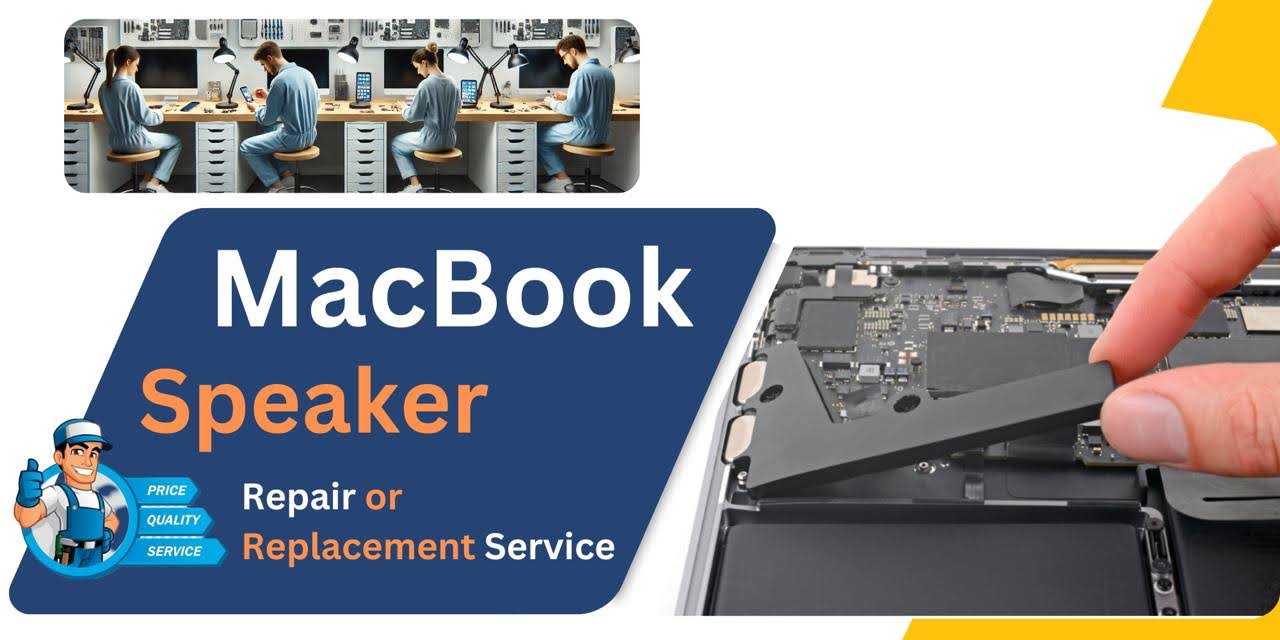
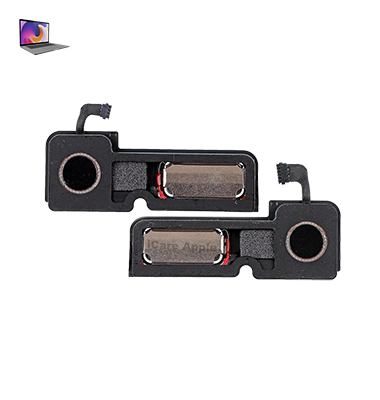
MacBook Pro (2017) A1707 Speaker
At iCare Apple in Bangladesh, we provide expert MacBook Pro (2017) A1707 Speaker replacement services. Our skilled technicians diagnose Speaker issues and replace them with high-quality parts, ensuring clear and crisp sound. Trust us for fast, reliable service to restore your MacBook’s audio performance to perfect condition.
How to Identify When Your MacBook Pro (2017) A1707 Speaker Needs Replacement
Here are four signs that your MacBook Pro (2017) A1707 Speaker may need replacement:
Distorted Sound:
If the sound is distorted or crackling, even after adjusting settings, it could indicate Speaker damage.
No Sound:
Complete absence of sound from the Speakers, despite volume being up and settings checked, may signal a Speaker failure.
Low or Muffled Audio:
If the audio is faint or muffled, even at maximum volume, the Speakers may be worn out.
Intermittent Sound:
If the sound cuts in and out or works only occasionally, there might be an internal Speaker issue.
Our MacBook Pro (2017) A1707 Speaker Replacement Process
1. Diagnosis:
We thoroughly examine the Speakers to identify any issues, such as distortion or no sound.
2. Cost Estimate:
After diagnostics, we provide a transparent cost estimate for the replacement.
3. Replacement:
Our expert technicians replace the faulty Speakers with high-quality, compatible parts.
4. Final Testing:
Once the replacement is complete, we test the Speakers to ensure optimal sound quality and performance before returning your MacBook.

Choose iCare Apple for your MacBook Pro (2017) A1707 Speaker replacement for our skilled technicians, high-quality parts, and reliable service. We ensure clear, crisp sound restoration and a seamless repair process, delivering professional care to bring back your MacBook’s audio performance at an affordable price.
✌️Top Benefits of MacBook Pro (2017) A1707 Speaker Replacement at iCare Apple
Certified Technicians
Our technicians are certified and highly skilled, ensure repairs for your MacBook Pro (2017) A1707. We guarantee top-notch service for all Speaker replacements.
Original & High-Quality Parts
We use genuine Apple parts for MacBook Speaker replacements, ensuring optimal performance, durability, and preserving your MacBook's original quality for long-lasting results.
Quick and Efficient Service
At iCare Apple, we prioritize quick and efficient service, minimizing downtime. Our experienced team provides rapid, reliable Speaker repairs, so you can get back to using your MacBook without delay.

Tips & Tricks for MacBook Pro (2017) A1707 Speaker
👍 Adjust sound settings:
Explore the Sound preferences in System Preferences to adjust various audio settings, including output volume, balance between left and right Speakers, and sound effects.
👍 Use equalizer settings:
Take advantage of macOS’s built-in equalizer settings to tailor the audio output to your preferences. Experiment with different presets or customize the equalizer manually to enhance bass, treble, or overall clarity.
👍 Optimize Speaker placement:
Position your MacBook Pro on a stable surface to ensure optimal Speaker performance. Avoid blocking the Speaker grilles or covering them with objects to allow for unrestricted sound propagation.
👍 Maximize volume without distortion:
While the Speakers on the A1707 MacBook Pro can deliver impressive volume levels, be mindful of potential distortion at higher volumes. Adjust the volume to a level that provides sufficient audio output without compromising sound quality.
👍 Utilize external Speakers or headphones:
For an enhanced audio experience, consider connecting external Speakers or headphones to your MacBook Pro. This can provide higher fidelity audio and greater immersion, especially for multimedia content or music production.
👍 Enable sound enhancements:
macOS offers various sound enhancement features, such as spatial audio and ambient noise reduction. Enable these features in System Preferences to enhance the depth and clarity of audio output from the Speakers.
👍 Opt for high-quality audio formats:
When streaming or playing audio files, prioritize high-quality formats such as FLAC or Lossless to ensure optimal sound reproduction. Higher bitrates and uncompressed formats can preserve audio fidelity and detail.
👍 Keep software updated:
Ensure that macOS and audio drivers are up to date to prevent potential software-related issues that could affect Speaker performance. Regularly check for system updates and install them as needed.
👍 Minimize background noise:
Reduce ambient noise in your environment to enhance the clarity of audio playback from the Speakers. Consider using noise-cancelling headphones or adjusting your workspace to minimize distractions.
👍 Protect Speakers from damage:
Avoid exposing the Speakers to excessive moisture, dust, or physical damage. Keep your MacBook Pro clean and handle it with care to prevent potential damage to the Speaker components.
By following these tips and tricks, you can optimize the performance of the Speaker on your MacBook Pro (2017) A1707.
What Our Customers Are Saying About Our MacBook Pro (2017) A1707 Speaker Replacement Service
Hashem Mia
iCare Apple replaced my MacBook Pro Speaker quickly and efficiently. The sound quality is excellent now, and I’m very happy with their service!
Rubina Sultana
The Speaker replacement service at iCare Apple was amazing. My MacBook’s audio is crystal clear, and the process was hassle-free!
Amirul Islam
iCare Apple fixed my MacBook Pro Speakers in no time. The new Speakers work perfectly, and I couldn’t be happier with their service!
Tanjina Rahman
I’m impressed with iCare Apple’s Speaker replacement service. My MacBook Pro’s sound is much better now, and the repair was done fast!
Your Trust is Our Strength
Why Timely MacBook Speaker Replacement is Essential
Timely MacBook Pro (2017) A1707 Speaker replacement is essential to maintain audio performance and prevent further damage. Delaying repairs can result in distorted sound or total audio failure, impacting productivity and entertainment. Quick replacement restores clear, crisp sound, ensuring your MacBook’s audio functionality is optimal and reliable.
Visit iCare Apple in Dhaka for Professional MacBook Repairs
Located at the heart of Dhaka, iCare Apple offers top-notch repair services for all Macbook models. Our team is committed to providing quality repairs, and we stand by our work. So, if your MacBook Pro (2017) A1707 needs a Speaker replacement, visit iCare Apple and experience professional service from trusted experts.
Ensure the longevity and performance of your MacBook Pro (2017) A1707 by opting for quality Speaker replacement services at iCare Apple.
FAQ
1. How long does it take to replace the MacBook Pro (2017) A1707 Speaker?
The replacement typically takes 2-3 business days, depending on the issue.
2. Will I lose data during the Speaker replacement?
No, the Speaker replacement does not affect your data.
3. Do you use original parts for Speaker replacement?
Yes, we use high-quality, compatible parts for all Speaker replacements.
4. How much does MacBook Pro (2017) A1707 Speaker replacement cost?
The cost depends on the issue; we provide a detailed estimate after diagnosis.
5. Do you offer a warranty for Speaker replacements?
Yes, we offer a warranty on both parts and labor for Speaker replacements.
6. Can I get an estimate before the replacement?
Yes, we provide an accurate cost estimate after a thorough diagnosis.
7. How do I schedule a Speaker replacement?
You can book a service by calling us or visiting our store.
8. Is my MacBook still under warranty if repaired at iCare Apple?
We are not authorized service provider, so Apple warranty may not apply.